
Toy Story: Retro Roundup Xbox: Editions & Play Guide
Toy Story: Retro Roundup Xbox brings classic adventures to Xbox One and Series X|S. Compare editions, check cloud play, and prepare for your next session.
Jump to
Start Here: Can You Play on Your Xbox?
Toy Story: Retro Roundup Xbox brings Woody, Buzz, and a collection of classic Pixar adventures to Xbox One and Xbox Series X|S. Choosing the right edition matters because the standalone collection and the Double Pack include different games. This Toy Story: Retro Roundup Xbox guide walks you through compatibility, purchase options, cloud access, and the features to explore once you start playing.
Released on October 15, 2026, Disney/Pixar Toy Story: Retro Roundup! combines older console and handheld games with modern conveniences and an interactive look at their development. Digital Eclipse developed the collection, and Atari published it.
Here are the Xbox details to check before choosing your edition:
| Xbox detail | What you get |
|---|---|
| Release date | October 15, 2026 |
| Supported consoles | Xbox One and Xbox Series X|S |
| Standalone U.S. price | $29.99 |
| Console features | Smart Delivery and Xbox Series X|S optimization |
| Additional capabilities | Xbox achievements, cloud saves, and 4K Ultra HD support |
| Multiplayer capabilities | Local two-player multiplayer and shared/split screen |
| ESRB rating | Everyone 10+ for Fantasy Violence |
- Choose your Xbox console. Both Xbox One and Xbox Series X|S support the collection.
- Decide between downloading and cloud play. Download the purchased game to a supported console, or use the cloud option with the required purchase and subscription.
- Compare editions before paying. The Double Pack adds Toy Story 3 Complete Edition, which is a separate game.
Smart Delivery supports the purchase across the supported Xbox generations. The collection also carries Xbox Series X|S optimization, so owners of those consoles have a version designed for that hardware.
Understand Cloud Play Before Subscribing
Cloud play requires ownership of the game plus Xbox Game Pass Essential, Premium, or Ultimate. That purchase requirement matters: access to cloud streaming does not make the collection an included Game Pass download.
For Toy Story: Retro Roundup Xbox cloud play, plan around both requirements. Buy the edition you want, then use an eligible subscription to access streaming.
Choose Between Retro Roundup and the Double Pack
The purchase decision comes down to whether you want the earlier games alone or also want Woody, Buzz, and Jessie’s 2010 adventure.
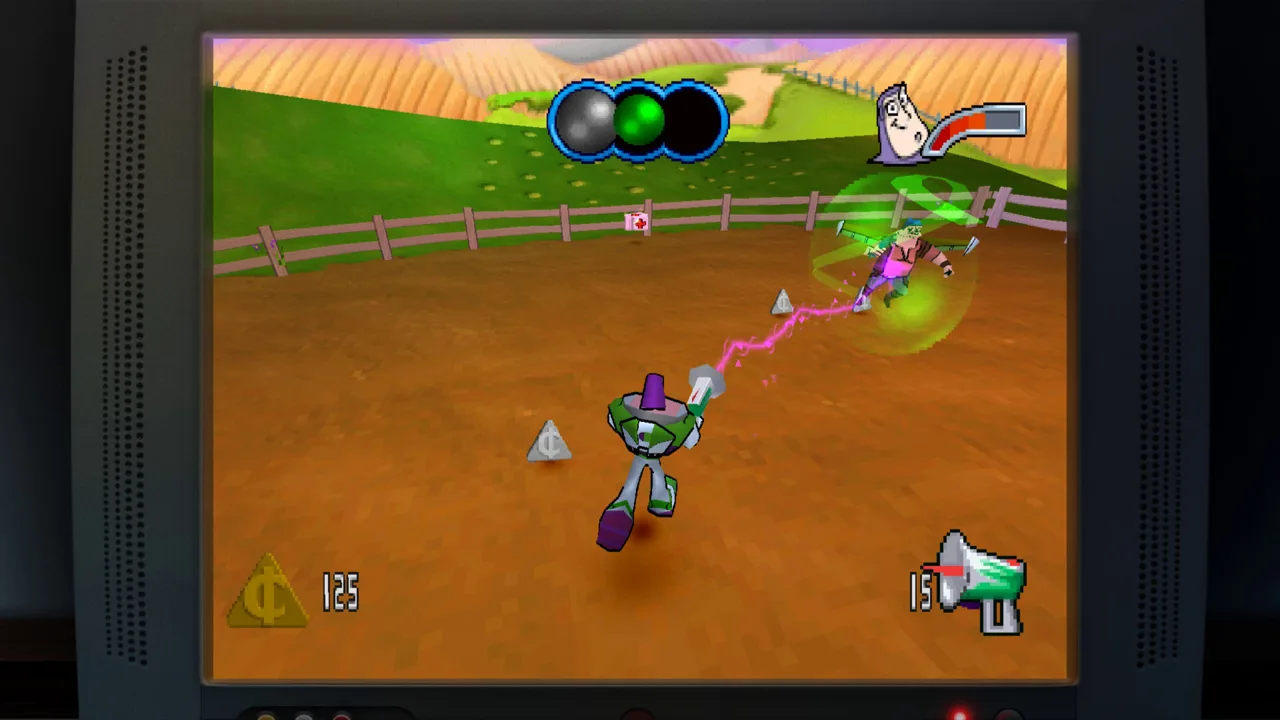 Image: Steam / Digital Eclipse
The standalone collection costs $29.99 in the U.S. The Double Pack costs $39.99 and contains both Retro Roundup! and Toy Story 3 Complete Edition. That makes the bundle $10 more than buying Retro Roundup! alone.
| Purchase option | U.S. price | Included content |
|---|---|---|
| Toy Story: Retro Roundup! | $29.99 | Classic console and handheld collection, enhancements, and museum content |
| Retro Roundup! + Toy Story 3 Complete Edition Double Pack | $39.99 | Everything in Retro Roundup! plus Toy Story 3 Complete Edition |
- Choose the standalone collection to revisit the earlier platforming and racing games.
- Choose the Double Pack to add Toy Story 3 Complete Edition, including Story Mode and Toy Box Mode.
- Check the included games before completing your purchase. Toy Story 3 belongs to the Double Pack rather than the standalone Retro Roundup! collection.
Open the Toy Story: Retro Roundup! Xbox purchase page to choose between the standalone release and the bundle.
What Toy Story 3 Adds
Toy Story 3 Complete Edition brings back the movie-inspired adventure with improved graphics and performance. Story Mode lets you switch between Woody, Buzz Lightyear, and Jessie, using their different abilities through events such as the train rescue and the junkyard escape.
Toy Box Mode gives you a customizable Western town. Complete quests, earn gold, decorate buildings, and dress the townsfolk. The Complete Edition also includes previously restricted content, including playable Emperor Zurg in Toy Box Mode and four additional Theme Packs.
For a shared session, Toy Story 3 Complete Edition supports local two-player co-op in both Story Mode and Toy Box Mode. Keep that distinction in mind when comparing Toy Story: Retro Roundup Xbox editions: the bundle adds a cooperative adventure alongside the earlier collection.
Pick Your First Classic Adventure
Once you have chosen a Toy Story: Retro Roundup xbox edition, turn to the classic lineup. Retro Roundup! includes 11 versions across console and handheld releases, so a familiar title can offer more than one interpretation of the same movie.
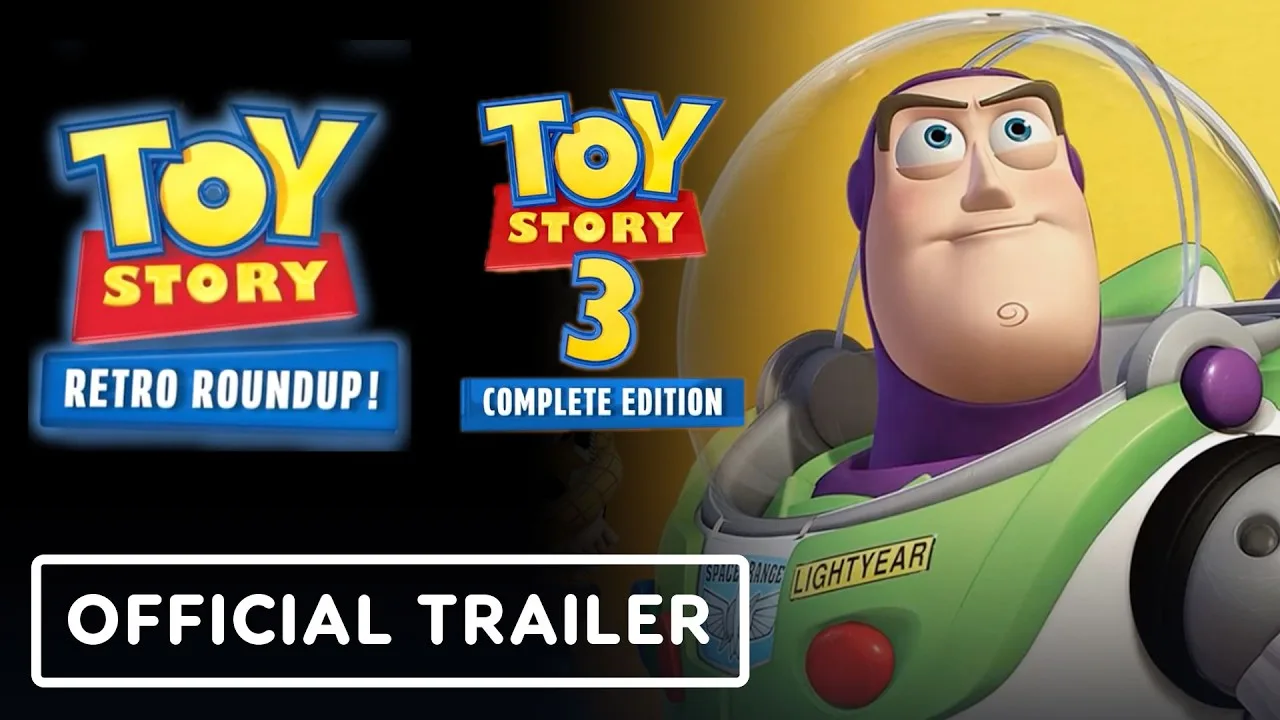
The collection is presented as five classic games, with the console and handheld Toy Story 2 releases named separately within its lineup. Think in terms of the individual versions you can explore rather than expecting 11 entirely unrelated games.
| Game or title group | Original release year | Included naming |
|---|---|---|
| Toy Story | 1995 | Toy Story |
| Toy Story 2 | 1999 | Toy Story 2: Buzz Lightyear to the Rescue! and Toy Story 2 |
| Buzz Lightyear of Star Command | 2000 | Buzz Lightyear of Star Command |
| Toy Story Racer | 2001 | Toy Story Racer |
| A Bug’s Life | 1998 | A Bug’s Life |
- Start with the title you remember. Choose the original Toy Story, Buzz Lightyear to the Rescue!, or another familiar game to reconnect with its controls.
- Read its enhanced How to Play instructions. Learn the selected game’s actions before tackling its challenges.
- Try another included version afterward. Compare how the console and handheld releases approach the same characters and settings.
The handheld games deserve their own turn. Some differ substantially from their console counterparts, making them more than a smaller presentation of the same adventure.
A Bug’s Life also belongs to this collection. Its inclusion expands the package beyond Andy’s room while keeping the focus on Pixar games from the same era.
Set Your Expectations for the Older Games
These adventures retain characteristics of their original releases, including demanding platforming, awkward cameras, and other design quirks.
Use the modern assistance features when an older challenge becomes frustrating. Rewind can help with a missed jump, while Practice Mode gives you another way to learn a game. Approach each title on its own terms rather than expecting identical controls throughout the collection.
Learn Rewind, Practice Mode, and Rex’s Cheat Codes
The assistance features are a substantial part of the Toy Story: Retro Roundup Xbox experience. They give you ways to revisit difficult sections, learn unfamiliar mechanics, and explore games with less pressure.
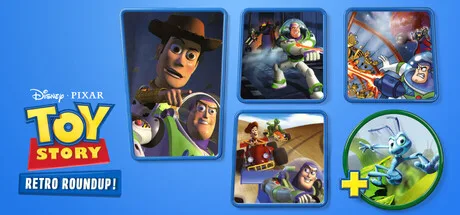 Image: Steam / Digital Eclipse
Start with the controls and instructions for the selected game, then choose the assistance that addresses the obstacle in front of you.
| Feature | What it does | How to use it in your session |
|---|---|---|
| Rewind | Moves gameplay back before a mistake | Retry a missed jump or reverse damage |
| Rex’s Cheat Codes | Offers game-specific options such as unlimited lives, invincibility, and character or level unlocks | Choose an applicable option for the game you are playing |
| Enhanced How to Play | Explains the selected game | Review its instructions before starting |
| Practice Mode | Helps you learn and rehearse gameplay | Spend time learning a difficult section |
| Music Player | Includes soundtracks from the collection | Listen to the games’ music outside regular play |
- Read How to Play first. Give yourself a clear understanding of the game before relying on assistance.
- Use Rewind after a specific mistake. Move back before the missed jump or damaging hit, then change your timing or approach.
- Turn to Practice Mode for learning. Work on the gameplay that is stopping your progress.
- Explore Rex’s Cheat Codes for that game. Choose from its applicable enhancements, such as unlimited lives or invincibility.
For a jump across Andy’s shelves, rewind to a point before takeoff so you can adjust the attempt. Repeating the same input from the same moment will not help you learn what went wrong; change your timing deliberately.
Rex’s Cheat Codes also include options for unlocking characters or levels. Use those game-specific tools when you want to explore accessible content beyond a difficult obstacle.
Keep Multiplayer Expectations Specific
The collection supports local two-player multiplayer and shared/split screen. Those capabilities apply to supported games and modes within the package; they do not turn every included adventure into a cooperative campaign.
For cooperative Story Mode and Toy Box play, choose Toy Story 3 Complete Edition. For the earlier collection, choose the game and multiplayer mode you want to play together.
Explore the Museum After Your First Session
Toy Story: Retro Roundup Xbox includes more than playable classics. Its virtual museum brings together design documents, development photographs, artwork, archival material, and new interviews.
After spending time with a game, explore the material connected to its creation. Seeing how an adventure came together gives its older visuals and design choices useful context.
- Browse the development material. Look through design documents, artwork, and photographs.
- Explore the interviews. Hear from people involved with the characters, films, and games.
- Open the Music Player. Revisit a soundtrack after playing its game.
- Return to another version. Compare the included console and handheld interpretations with a fresh perspective.
The interviews feature Pixar Head of Story Jason Katz, voice actor Jim Hanks, Disney & Pixar Games executive Luigi Priore, and TT Games founder Jon Burton. Their contributions cover different parts of bringing these characters into interactive adventures.
The presentation also includes recreations of original game boxes, posters, and other archival extras. Give those exhibits time between play sessions, especially when revisiting a game you originally experienced on different hardware.
Before your next session, keep a short checklist:
- Compare the standalone collection with the Double Pack.
- Choose a specific game version to explore.
- Review How to Play and try the relevant assistance features.
- Browse its music and development exhibits afterward.
FAQ
Is Toy Story: Retro Roundup Xbox available on Xbox One?
Yes. Toy Story: Retro Roundup! supports Xbox One and Xbox Series X|S. It launched on October 15, 2026, and includes Smart Delivery and Xbox Series X|S optimization.
Is Toy Story: Retro Roundup included with Game Pass?
Cloud access requires a game purchase plus Xbox Game Pass Essential, Premium, or Ultimate. The standalone collection costs $29.99 in the U.S.; the Double Pack costs $39.99.
Does Retro Roundup include Toy Story 3?
The standalone collection contains the earlier games. Buy the Retro Roundup! + Toy Story 3 Complete Edition Double Pack to get both releases, including Toy Story 3 Story Mode, Toy Box Mode, and local two-player co-op.
Can you use rewind and cheats in the collection?
Yes. The collection includes Rewind and Rex’s Cheat Codes, with game-specific enhancements such as unlimited lives, invincibility, and character or level unlocks. Enhanced How to Play instructions and Practice Mode also help you learn the games.
Continue with
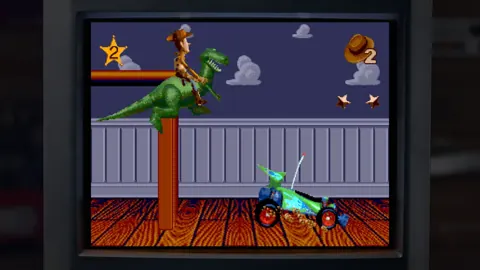 Toy Story: Retro Roundup PC: Steam Setup & Game GuidePlay Toy Story: Retro Roundup PC on Steam. Check Windows requirements, explore all 11 game versions, and learn how rewind, cheats, and local racing work.
More in Platforms
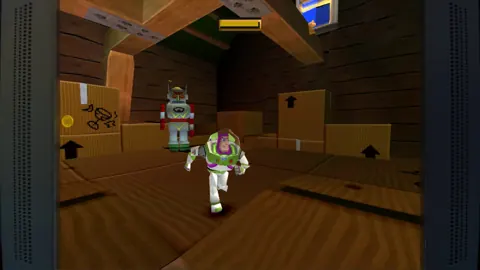
Toy Story: Retro Roundup PS4 vs PS5: Edition Guide
Toy Story: Retro Roundup PS4 vs PS5 explained: compare Double Pack contents, storage requirements, controller support, and classic games before buying.
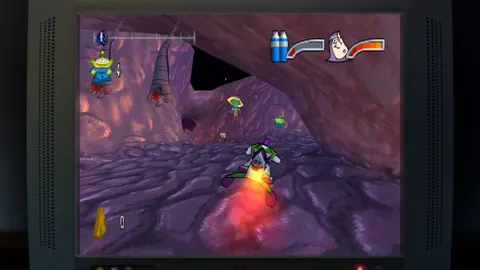
Toy Story: Retro Roundup PS4: Editions & Play Guide
Toy Story: Retro Roundup PS4 brings classic adventures back. Compare editions, explore all 11 game versions, and learn how to use rewind and Rex's cheats.
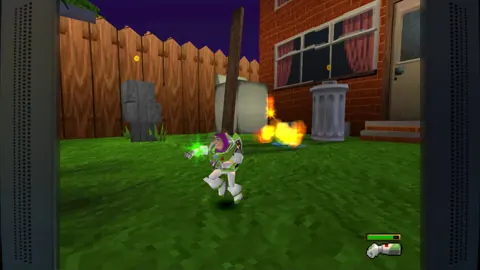
Toy Story: Retro Roundup PS5 Upgrade: Buying Guide
Explore Toy Story: Retro Roundup ps5 upgrade options, compare PS4 and PS5 physical editions, and learn what the Double Pack includes before you buy a copy.
Toy Story: Retro Roundup PS5 vs Nintendo Switch 2 Guide
Toy Story: Retro Roundup PS5 vs Nintendo Switch 2: compare play modes, physical editions, collection features, and Double Pack content before you buy.
Join the community
Official channels for news, updates and player help: