
Toy Story: Retro Roundup A Bug's Life Player Guide
Toy Story: Retro Roundup A Bug's Life guide: compare PS1 and Game Boy Color versions, learn key mechanics, and explore cheats, extras, and launch details.
Jump to
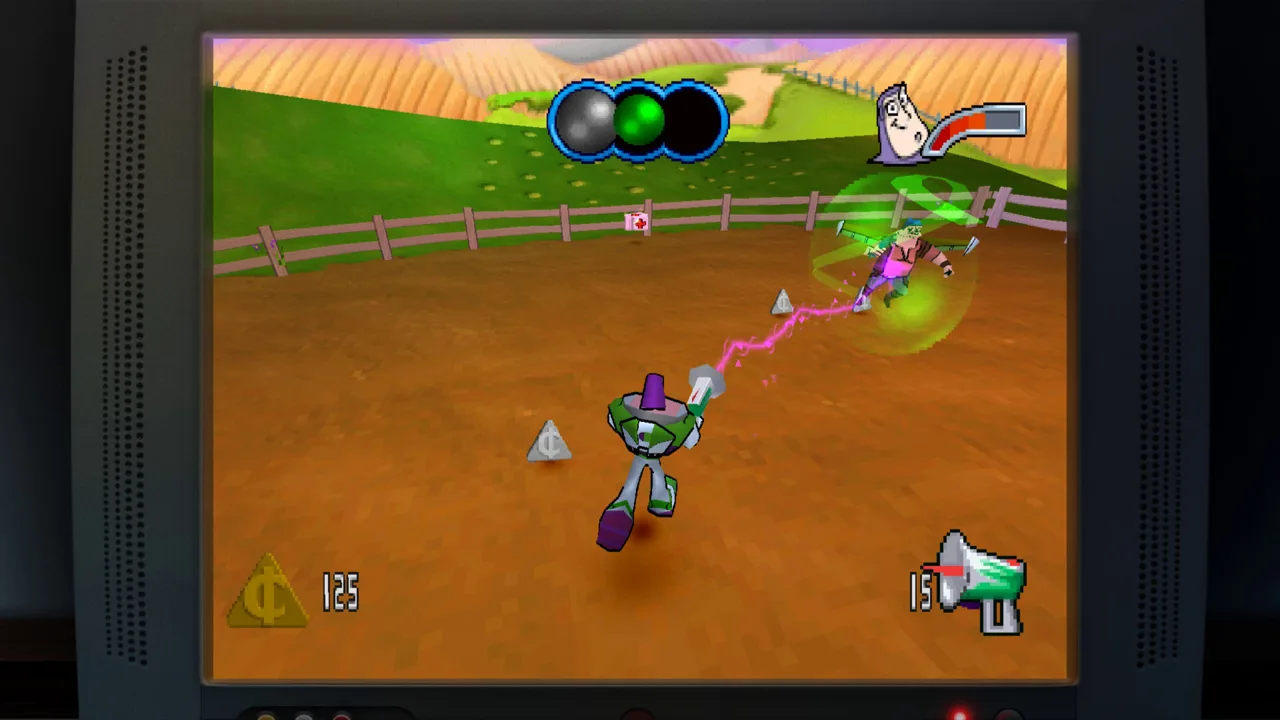
Start With the Right A Bug’s Life Version
Your Toy Story: Retro Roundup A Bug's Life run starts with a choice: the PlayStation adventure or the Game Boy Color version. Picking the version you remember matters because the collection includes both, along with features that help you learn older games and recover from mistakes. This Toy Story: Retro Roundup A Bug's Life guide walks you through that choice, the PlayStation game’s central mechanics, and the collection’s useful extras.
A Bug’s Life is included in the standalone Retro Roundup package. You can play it without buying the separate Toy Story 3: Complete Edition game.
The collection brings together 11 console and handheld versions of games from Pixar’s early years. Flik’s adventure sits alongside Woody and Buzz’s games, giving you another film adaptation to explore within the same package.
| Included version | Original platform | What you’re selecting |
|---|---|---|
| A Bug’s Life | PlayStation | The 3D platforming adventure with collectible hunting, seed planting, and berry attacks |
| A Bug’s Life | Game Boy Color | The handheld adaptation, presented separately from the PlayStation game |
Start by matching the platform to the game you want to revisit:
- Choose PlayStation for the 3D adventure. The terrain, seed, and combat tips below apply to this version.
- Choose Game Boy Color for the handheld adaptation. Keep its identity separate when switching between versions.
- Read the enhanced How to Play instructions. Use them to get familiar with the selected game before moving into a longer session.
- Try Practice Mode while learning. Use the collection’s practice feature to work on your skills before focusing on a full run.
Keep the platform distinction in mind throughout your Toy Story: Retro Roundup A Bug's Life playthrough. Both versions belong to the package, but the PlayStation game’s 3D mechanics should guide your expectations only when that version is selected.
Read the Terrain Before Chasing Collectibles
The PlayStation version of A Bug’s Life combines 3D platforming with collectible hunting. Its defining twist is how you interact with the environment: planting seeds creates platforms that help you explore.
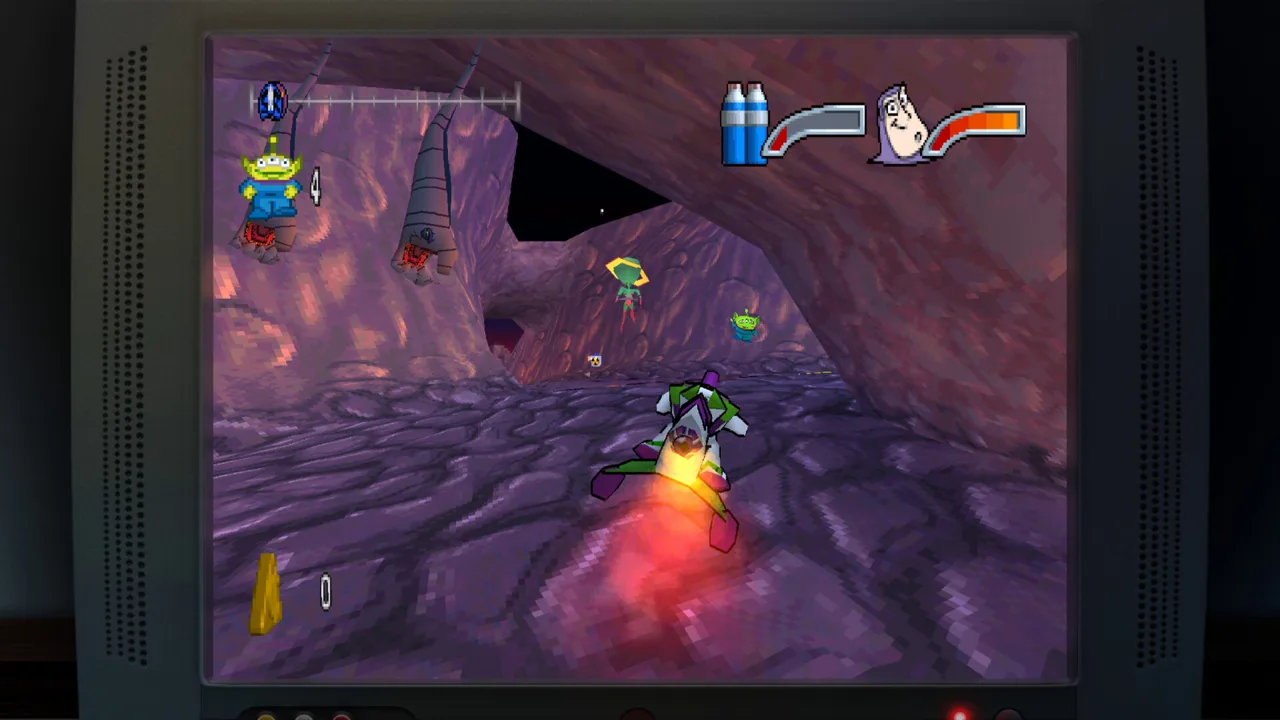 Image: Steam / Digital Eclipse
That gives you something specific to look for when a route feels confusing. Alongside judging the next jump, you need to consider how planting changes the space around Flik. The terrain is part of the problem you’re solving.
| PlayStation mechanic | What it does | What to practice |
|---|---|---|
| Seed planting | Creates platforms used to explore the environment | Plant seeds and examine the platforms they produce |
| Platforming | Moves Flik through the 3D world | Judge your position before committing to a jump |
| Collectible hunting | Adds collection objectives to exploration | Look around the surrounding terrain before rushing onward |
| Berry throwing | Gives Flik a way to attack | Learn the attack alongside movement |
Work through unfamiliar terrain in a deliberate order:
- Survey the immediate area. Look at the available platforms and the space you need to cross.
- Plant seeds to create platforms. Watch how each resulting platform changes your route.
- Line up your movement before jumping. Give yourself time to understand the relationship between Flik and the landing area.
- Check nearby collectibles as you explore. Keep them in view while learning the route instead of letting the collection hunt pull you into rushed movement.
- Use Rewind after a mistake. Return to the approach and change the part that caused trouble.
Separate learning the route from moving quickly through it. Spend the early attempts understanding where the platforms lead, then concentrate on making the movement more consistent.
For your Toy Story: Retro Roundup A Bug's Life session, focus on that seed-and-platform relationship before worrying about speed. It is the clearest mechanical distinction between this adventure and simply running through a series of jumps.
Keep a small practice checklist in mind:
- Identify the next landing area.
- Watch what the planted seed creates.
- Recheck your position before moving.
- Use another attempt to correct one mistake at a time.
Handle Combat and Recover From Mistakes
Flik attacks by throwing berries in the PlayStation game. Learn that action alongside movement so that combat and traversal feel like parts of the same adventure.
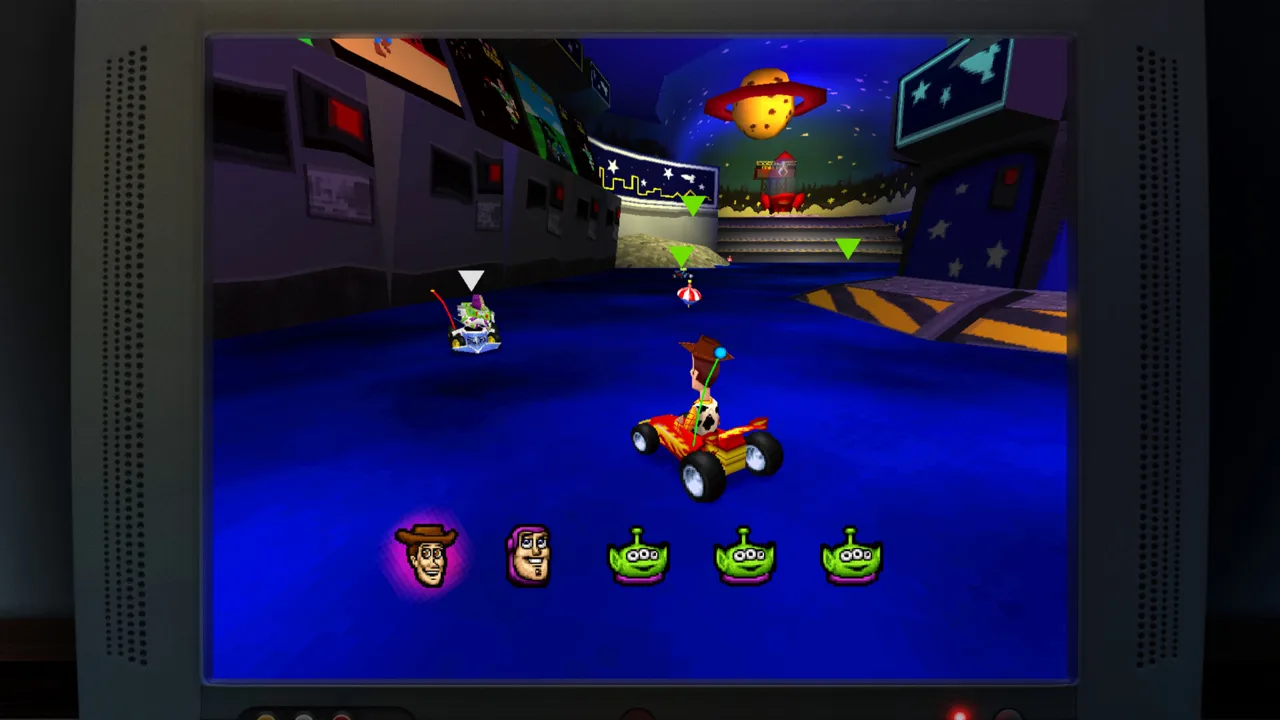 Image: Steam / Digital Eclipse
Practice throwing berries while you get comfortable navigating the 3D environment. When a fight or jump goes wrong, use the collection’s retry tools to return to the moment that needs work.
Rewind lets you hold a button and move backward through recent gameplay. Rex’s Cheat Codes offer game-specific enhancements, while enhanced instructions and Practice Mode provide additional ways to learn.
| Collection feature | Function | How to use it while learning |
|---|---|---|
| Rewind | Returns gameplay to an earlier moment | Go back before a missed jump or damaging mistake |
| Rex’s Cheat Codes | Provides game-specific options such as unlimited lives, invincibility, or unlocks | Read the options offered for the selected game |
| Enhanced How to Play | Expands the instructions | Review the mechanics before another attempt |
| Practice Mode | Provides a place to hone skills | Work on movement and attacks |
Use those features with a clear purpose:
- Learn berry throwing before rushing into combat. Get familiar with the attack while controlling Flik’s movement.
- Rewind far enough to change your approach. Return to a point where you can make a different decision.
- Correct one part of the attempt. Adjust the jump approach or attack timing instead of repeating the same actions.
- Review Rex’s Cheat Codes for the selected game. Choose from the enhancements available there.
- Return to the instructions when a mechanic feels unclear. Refresh the action you need, then practice it.
Unlimited lives and invincibility serve different purposes. Unlimited lives address the life limit; invincibility addresses taking damage. Read each option’s description and choose the help that fits the obstacle you’re working through.
Across your Toy Story: Retro Roundup A Bug's Life run, use Rewind to study mistakes. Going back before the problem gives you room to change the approach and understand why the next attempt works.
Explore the Rest of the Collection
A Bug’s Life shares the package with four Toy Story game groups. The collection is presented as five games, with the console and handheld Toy Story 2 adaptations named separately in the detailed lineup.
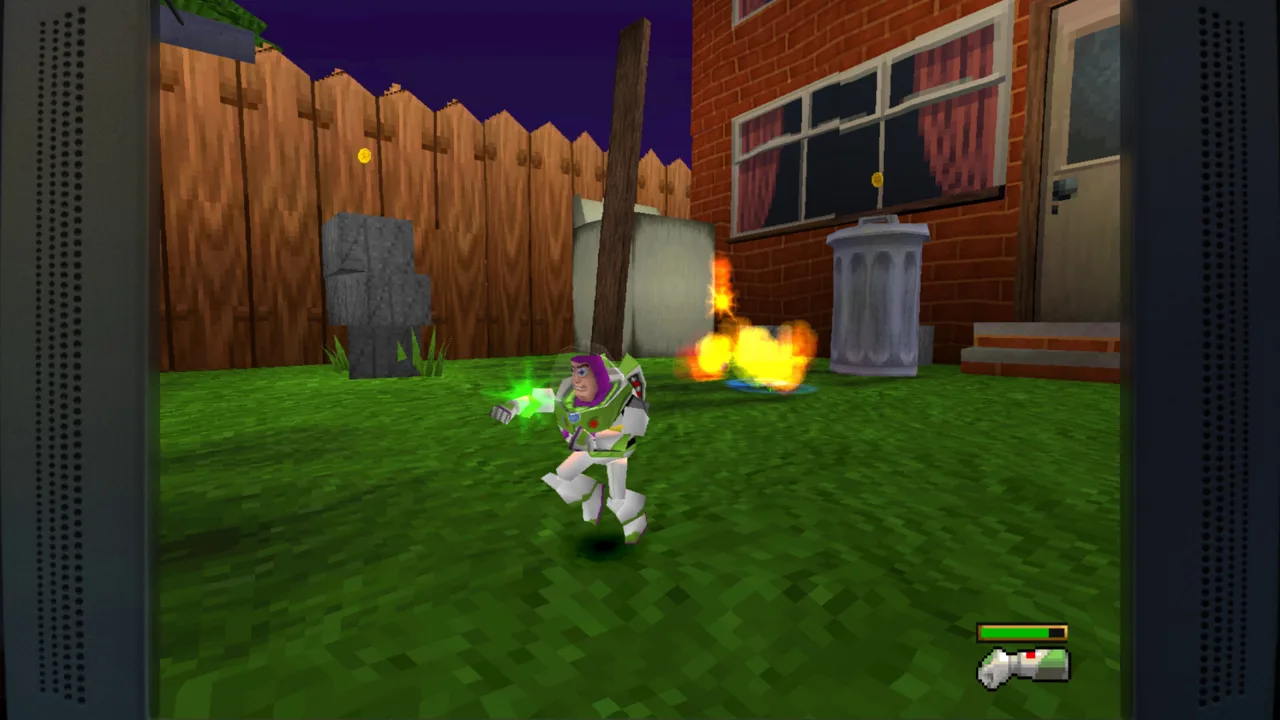 Image: Steam / Digital Eclipse
That distinction explains why you’ll encounter more individual titles than the five-game description initially suggests. Across all the included platforms, the package contains 11 versions.
| Game group | Included titles and original platforms | Versions |
|---|---|---|
| Toy Story | Toy Story on Sega Genesis, SNES, and Game Boy | 3 |
| Toy Story 2 | Toy Story 2: Buzz Lightyear to the Rescue! on PlayStation; Toy Story 2 on Game Boy Color | 2 |
| Buzz Lightyear of Star Command | PlayStation and Game Boy Color adaptations | 2 |
| Toy Story Racer | PlayStation and Game Boy Color adaptations | 2 |
| A Bug’s Life | PlayStation and Game Boy Color adaptations | 2 |
The surrounding games cover several different styles. The original Toy Story follows the first movie through challenging levels. Toy Story 2: Buzz Lightyear to the Rescue! puts Buzz into a 15-level rescue adventure, while the Game Boy Color Toy Story 2 uses side-scrolling platforming across 11 levels.
Buzz Lightyear of Star Command draws on the animated series. Toy Story Racer moves into racing with familiar characters and settings.
Use the lineup to plan your next session:
- Finish learning the A Bug’s Life version you selected. Keep its controls and mechanics familiar before switching games.
- Try the other A Bug’s Life adaptation. Compare how the same film became a console and handheld game.
- Move into another game group when you want a different style. Pick platforming, Buzz’s rescue adventure, or racing.
- Read that game’s instructions and enhancements. Start fresh with the tools offered for the new selection.
The Toy Story: Retro Roundup A Bug's Life pairing also has a development connection. Traveller’s Tales worked on the PlayStation A Bug’s Life adventure and the collection’s early Toy Story console games. Flik’s inclusion gives you another part of that Pixar game history to play.
Finish With the Museum and Check Your Edition
After playing, spend time with the collection’s virtual museum. It contains design documents, development photographs, and archival material that give the games context beyond their playable versions.
The interview lineup includes Jason Katz, Jim Hanks, Luigi Priore, and Jon Burton. Their conversations cover people involved in Pixar storytelling, character performance, Disney and Pixar games, and the development work behind these adventures.
The Music Player includes the complete soundtrack for every game in the collection. Use it to revisit the music separately from a platforming attempt or race.
Round out your session in this order:
- Browse the museum’s development material. Look through the documents and photographs after becoming familiar with the games.
- Watch the interviews. Explore the creative and production work behind the characters and adaptations.
- Open the Music Player. Listen to the game soundtracks outside active gameplay.
- Return to another included version. Compare its presentation with the game you just played.
For a Toy Story: Retro Roundup A Bug's Life purchase, the standalone collection includes both Flik adventures. Retro Roundup launched on October 15, 2026, for Nintendo Switch, Nintendo Switch 2, PlayStation 4, PlayStation 5, Windows, Xbox One, and Xbox Series X|S.
The standalone package costs $29.99 on the Xbox and Nintendo Switch 2 stores. Xbox also offers the Double Pack with Toy Story 3: Complete Edition for $39.99.
On Windows, the minimum requirements include a 64-bit version of Windows 10, 8 GB of RAM, and 8 GB of available storage. The listed minimum graphics hardware is an Nvidia GeForce GTX 460 or AMD Radeon R7 250X. Nintendo Switch 2’s download size is 7.1 GB.
Get Toy Story: Retro Roundup on Steam to access the PC collection. Choose the Double Pack if you also want Toy Story 3: Complete Edition and its separate adventure.
FAQ
Does Toy Story: Retro Roundup A Bug's Life include the PS1 game?
Yes. The collection includes the PlayStation version of A Bug’s Life and the Game Boy Color adaptation. Select PlayStation for the 3D adventure featuring seed-grown platforms and berry attacks.
Why is A Bug’s Life included with Toy Story games?
The games share a Pixar connection and development history. Traveller’s Tales worked on A Bug’s Life and the early Toy Story console games, bringing Flik’s adventure into the same broader collection.
Can you use cheats and Rewind in Retro Roundup?
The collection includes Rewind and Rex’s Cheat Codes. Rewind lets you return to an earlier gameplay moment, while Rex’s Cheat Codes provides game-specific enhancements such as unlimited lives, invincibility, and unlock options.
Do you need Toy Story 3: Complete Edition to play A Bug’s Life?
No. Both A Bug’s Life versions are included in the standalone Retro Roundup collection. Toy Story 3: Complete Edition is a separate game, also available alongside Retro Roundup in the Double Pack.
Continue with
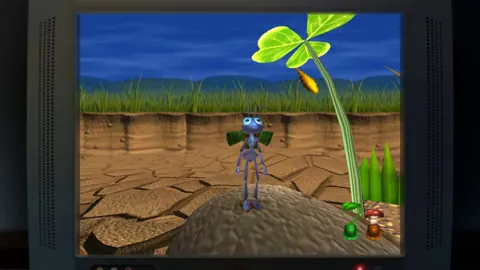 Toy Story: Retro Roundup Games Included: Full LineupExplore Toy Story: Retro Roundup games included, 11 console and handheld versions, bonus features, and how Toy Story 3 fits into the Double Pack bundle.
More in Collection
See all CollectionPopular pages
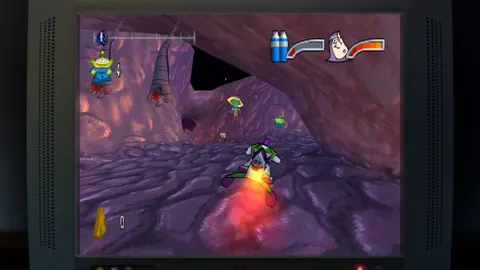
Toy Story: Retro Roundup Beginner Guide: Start Strong
Use this Toy Story: Retro Roundup beginner guide to choose your starting game, learn Rewind, manage Rex's cheats, and tackle classic Pixar adventures.
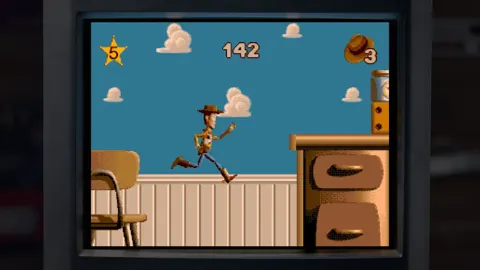
Toy Story: Retro Roundup Release Date & Buying Guide
Toy Story: Retro Roundup release date is October 15, 2026. Explore platforms, included games, costs, and the Toy Story 3 bundle before choosing an edition.
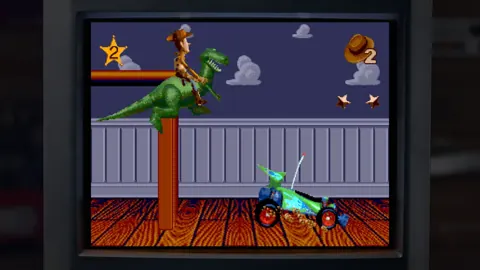
Toy Story: Retro Roundup PC: Steam Setup & Game Guide
Play Toy Story: Retro Roundup PC on Steam. Check Windows requirements, explore all 11 game versions, and learn how rewind, cheats, and local racing work.
Toy Story: Retro Roundup Double Pack: Buying Guide
Explore the Toy Story: Retro Roundup double pack, including its games, $39.99 price, physical editions, and co-op features. Compare options before you buy.
Join the community
Official channels for news, updates and player help: