
Toy Story: Retro Roundup Atari: Complete Play Guide
Explore Toy Story: Retro Roundup Atari with a guide to all 11 versions, Rewind, Rex’s Cheat Codes, museum extras, and the Toy Story 3 double pack. Jump in.
Jump to
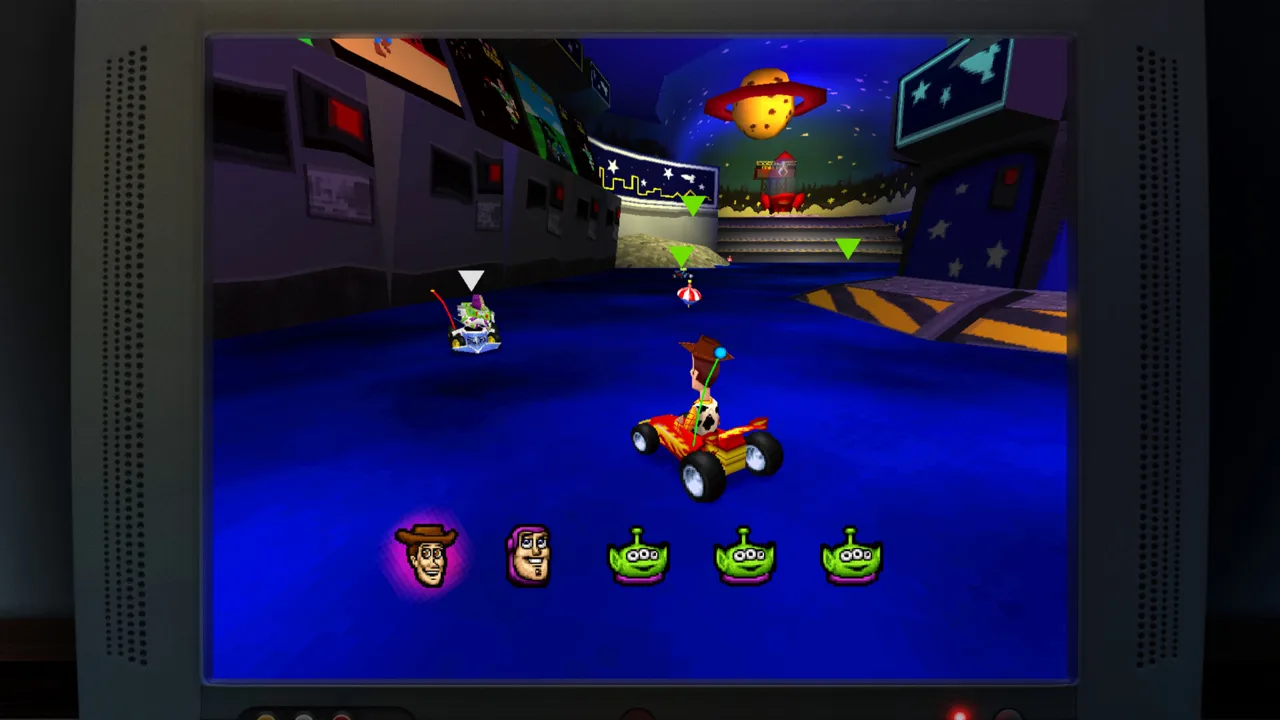
Start Here: Choose Your Collection and Platform
That missed jump across Andy’s shelves finally gets a do-over. Toy Story: Retro Roundup Atari brings classic Pixar adventures to modern systems with Rewind, practice tools, and a museum of development history. This Toy Story: Retro Roundup Atari walkthrough takes you through the collection by release era, helping you choose your version, approach the older challenges, and explore the extras.
Developed by Digital Eclipse and published by Atari, Disney/Pixar Toy Story: Retro Roundup! launched on October 15, 2026. Its lineup spans games originally released between 1995 and 2001, including A Bug’s Life alongside Woody and Buzz’s adventures.
1. Pick the package you want
Start by separating the retro collection from the double pack. Toy Story 3 Complete Edition is a separate game, available individually or bundled with Retro Roundup.
| Purchase option | What you get | U.S. price |
|---|---|---|
| Retro Roundup on Nintendo Switch | The retro collection with 11 console and handheld versions | $29.99 |
| Retro Roundup on Xbox | The retro collection | $29.99 |
| Toy Story 3 Complete Edition on Xbox | The updated adventure based on the 2010 film | $24.99 |
| Xbox Double Pack | Retro Roundup and Toy Story 3 Complete Edition | $39.99 |
Choose the double pack if you also want Toy Story 3’s Story Mode and Toy Box Mode. Choose Retro Roundup alone if your focus is the Genesis, Super Nintendo, PlayStation, and Game Boy era.
2. Check your platform before downloading
Retro Roundup is available for Nintendo Switch, Nintendo Switch 2, PlayStation 4, PlayStation 5, Windows, Xbox One, and Xbox Series X|S.
On Windows, the minimum requirements include a 64-bit version of Windows 10, 8 GB of RAM, and 8 GB of available storage. The listed minimum graphics cards are the Nvidia GeForce GTX 460 and AMD Radeon R7 250X.
The Nintendo download is 6.4 GB. On Steam, the collection supports controllers, achievements, and Steam Cloud. Visit the Toy Story: Retro Roundup Steam page to buy the Windows version.
3. Understand the game count
The collection groups its lineup as five classic games, with 11 versions overall. The separately named Game Boy Color release of Toy Story 2 appears alongside Toy Story 2: Buzz Lightyear to the Rescue!.
For your Toy Story: Retro Roundup Atari playthrough, follow the individual game and platform names below. That makes it easier to find the adventure you remember.
Begin With Toy Story’s 1995 Adventures
Start with the original Toy Story to see how Andy’s room became a platforming playground. This portion of the collection offers three versions:
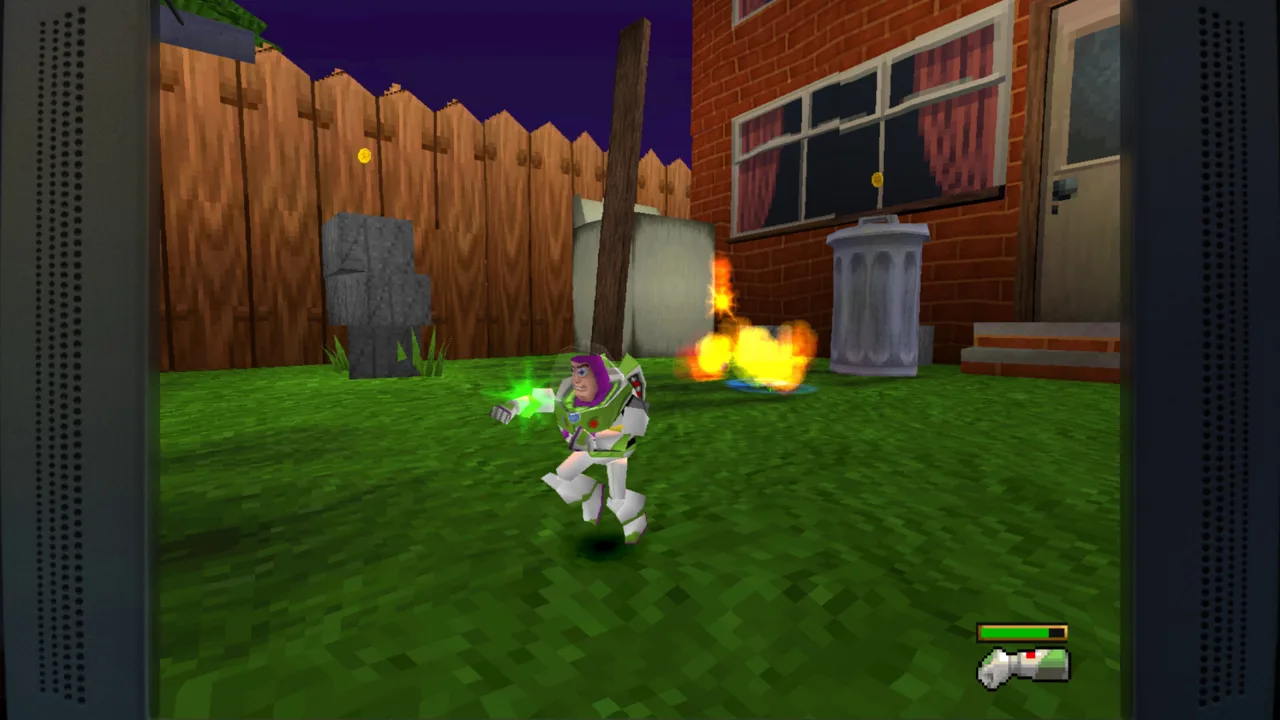 Image: Steam / Digital Eclipse
| Game | Original platform | Release year |
|---|---|---|
| Toy Story | Sega Genesis | 1995 |
| Toy Story | Super Nintendo | 1995 |
| Toy Story | Game Boy | 1995 |
1. Select the version you remember
Choose Genesis or Super Nintendo if you want to revisit one of the original home-console releases. Open the Game Boy version to explore the handheld adaptation.
Keep the platform names in mind when comparing memories with friends. “The original Toy Story” can mean different versions, even within this collection.
2. Read the enhanced instructions
Open the enhanced How to Play instructions before tackling the older games. The original Toy Story combines striking period visuals with demanding platforming, repetitive tasks, and attack patterns that can take time to understand.
Use Practice Mode to work on your skills. Give yourself time to learn the movement and attacks before expecting a clean run through unfamiliar challenges.
3. Use the collection’s assists deliberately
Rewind lets you move back before a mistake and try again. Rex’s Cheat Codes provide game-specific options such as unlimited lives, invincibility, and character or level unlocks.
| Collection tool | What it does | How to use it |
|---|---|---|
| Rewind | Takes play back before a mistake | Retry a missed jump or damaging encounter |
| Rex’s Cheat Codes | Provides game-specific enhancements | Choose an available assist that addresses your sticking point |
| Enhanced How to Play | Explains how to play | Review the instructions before starting |
| Practice Mode | Provides a way to hone your skills | Practice challenging play before another attempt |
Use Rewind to repeat a troublesome jump while its timing is still fresh. Try an available lives or invincibility option when repeated failures are keeping you from enjoying the adventure.
These tools are a major part of the Toy Story: Retro Roundup Atari experience. You can revisit a childhood obstacle without making every mistake the end of your session.
Continue Through A Bug’s Life and Toy Story 2
Move into the 1998–1999 releases next. This stretch takes you from Flik’s miniature world to Buzz’s rescue adventure, with handheld versions offering another way to explore the same film era.
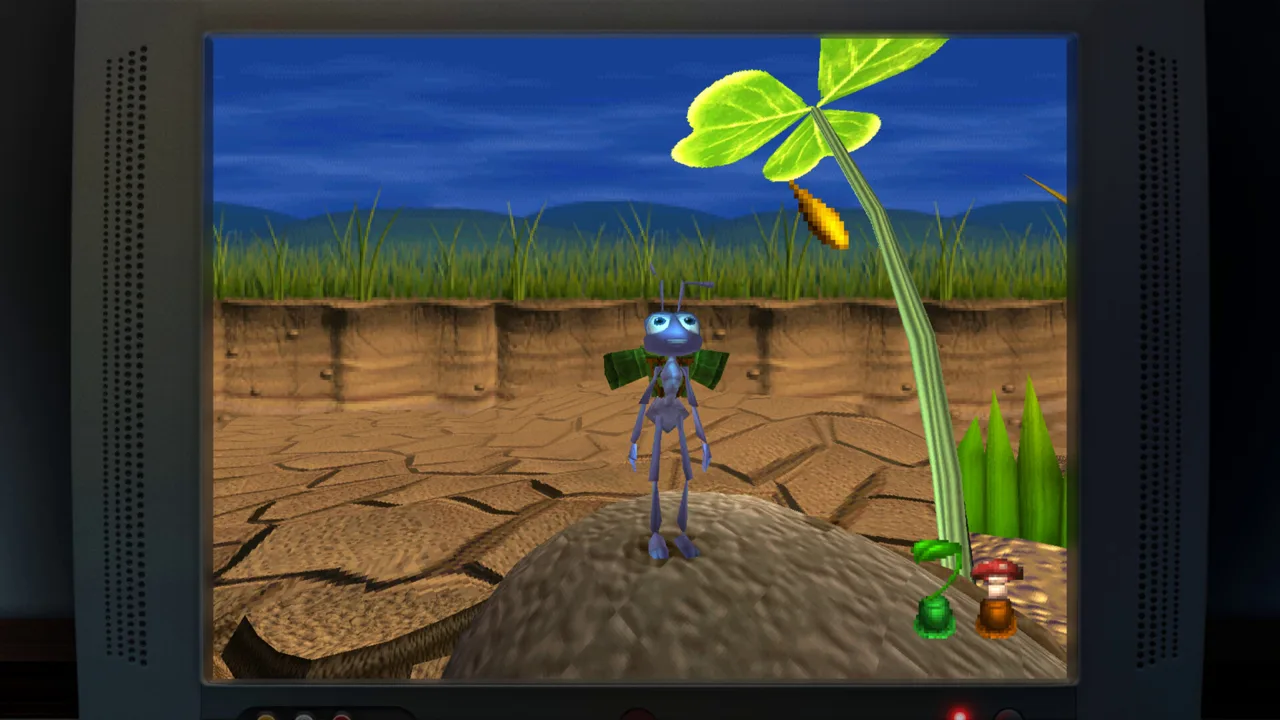 Image: Steam / Digital Eclipse
| Included game | Original platforms in the collection | Release year |
|---|---|---|
| A Bug’s Life | PlayStation, Game Boy Color | 1998 |
| Toy Story 2: Buzz Lightyear to the Rescue! | PlayStation | 1999 |
| Toy Story 2 | Game Boy Color | 1999 |
1. Learn Flik’s seeds and berries
In the PlayStation version of A Bug’s Life, exploration involves planting seeds that grow into platforms. Flik attacks by throwing berries, giving the adventure a different rhythm from Woody’s earlier platforming.
Pay attention to how planted seeds change your route through an area. Use the enhanced instructions to get comfortable with the controls before pushing farther into the game.
Keep the PlayStation and Game Boy Color versions separate in your expectations. Select the platform you want to revisit rather than assuming the handheld entry will reproduce the console experience.
2. Move into Buzz’s rescue adventure
Next, open the PlayStation version of Toy Story 2: Buzz Lightyear to the Rescue! for its 3D adventure.
Expect the camera and movement to reflect the game’s original era. Learn how the view behaves before committing to awkward jumps, and use the collection’s available learning tools when a section becomes frustrating.
The collection also includes Toy Story 2 for Game Boy Color. Try it as another entry in the lineup, especially if your memories come from playing on a handheld.
3. Match the version to your nostalgia
The included version of Buzz Lightyear to the Rescue! is the PlayStation release. If your childhood copy was on Nintendo 64, select this entry with that platform difference in mind.
For a Toy Story: Retro Roundup Atari session focused on rediscovery, compare the console and handheld releases. Their differences are part of the collection’s appeal, especially when you remember only one of them.
Move On to Star Command and Toy Story Racer
The final release-era stop shifts toward speed. Buzz Lightyear of Star Command and Toy Story Racer both include PlayStation and Game Boy Color versions, but their console outings approach racing very differently.
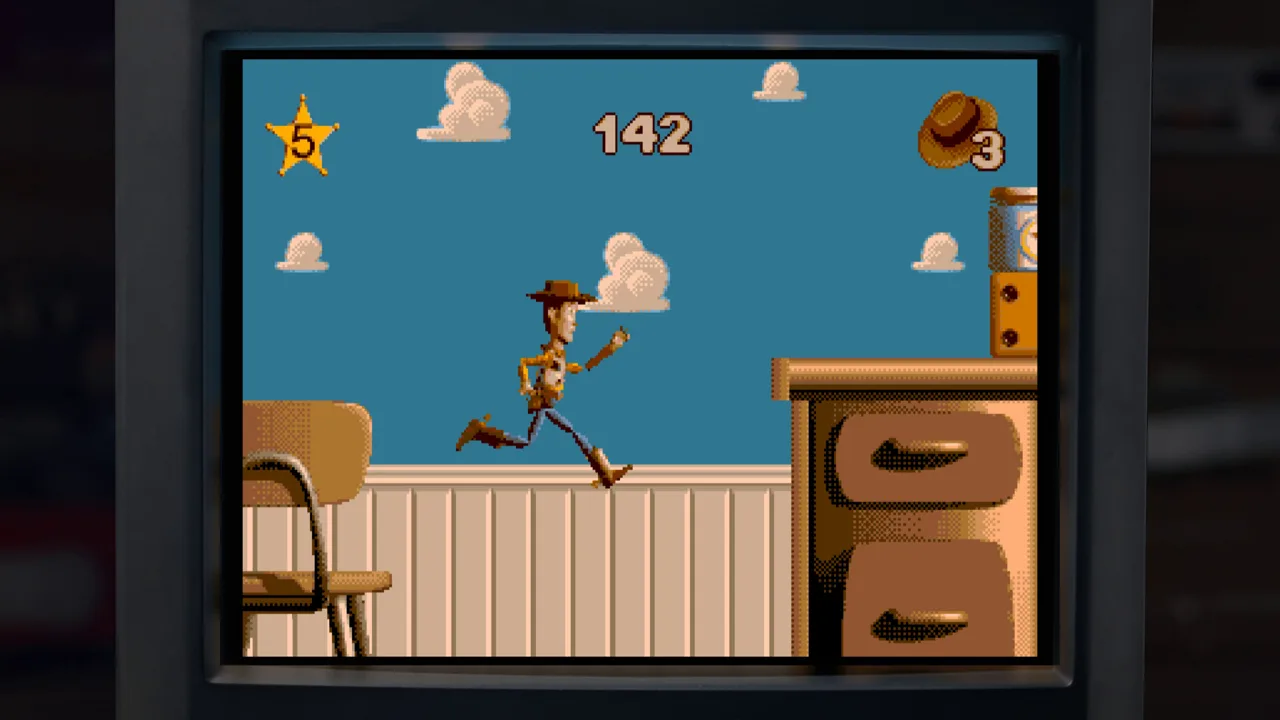 Image: Steam / Digital Eclipse
| Game | Included original platforms | PlayStation gameplay focus |
|---|---|---|
| Buzz Lightyear of Star Command | PlayStation, Game Boy Color | Racing on foot, collecting coins, and purchasing weapons or shortcuts |
| Toy Story Racer | PlayStation, Game Boy Color | Toy-car racing with a mission-focused structure |
1. Adjust to Star Command’s on-foot racing
Buzz Lightyear of Star Command connects its action to racing on foot. In the PlayStation game, coins pay for stronger weapons and shortcuts.
Watch for coin pickups as you learn a route. Spend them on the available weapons or shortcuts that fit the challenge in front of you.
Approach it with a different mindset from Toy Story 2. Familiar characters carry over, but the emphasis on racing and purchases changes what you need to pay attention to.
2. Learn Toy Story Racer’s handling
Move to the PlayStation version of Toy Story Racer for toy-car handling and mission-focused racing.
Take time to understand the steering before pushing for tighter turns. Follow each mission’s objective instead of treating every event as an ordinary race.
The PlayStation version also offers multiplayer racing. Bring another player into that game when you want a shared session, while keeping expectations specific to the title you have selected.
3. Keep multiplayer expectations game-specific
The Steam collection includes shared or split-screen features and Remote Play Together. That collection-level support does not turn the entire lineup into a cooperative campaign.
Choose Toy Story Racer when you want its multiplayer racing. For a different kind of shared adventure, the double pack’s separate Toy Story 3 Complete Edition offers cooperative play.
By this point, your Toy Story: Retro Roundup Atari tour has covered side-scrolling platforming, 3D exploration, on-foot racing, and toy-car competition.
Finish With the Museum, Music, and Optional Toy Box
Leave time for the material surrounding the games in Toy Story: Retro Roundup atari. Digital Eclipse’s virtual museum includes design documents, development photographs, artwork, and archival content.
1. Explore the museum after playing
Return to the museum after spending time with a game. Familiarity with its environments and characters gives you more to notice in the development material.
The collection includes interviews with Pixar’s Jason Katz, voice actor Jim Hanks, Disney & Pixar Games’ Luigi Priore, and TT Games founder Jon Burton. These conversations cover the creative work behind the adventures.
Look through the preserved artwork and development photographs alongside those interviews. They give the collection a reason to stay open even after you put down the controller.
2. Revisit the soundtracks
Open the Music Player to listen to music from every game in the collection.
Compare the soundtracks after trying different versions. It is an easy way to revisit a favorite theme without replaying an entire section, and another reason to explore beyond the game you originally came back for.
3. Continue into Toy Story 3 if you bought it
Launch Toy Story 3 Complete Edition separately when you are ready to move beyond Retro Roundup’s earlier games.
Story Mode features Woody, Buzz, and Jessie, with abilities that distinguish their roles. Buzz can throw other characters toward distant ledges, Woody can swing using his pullstring, and Jessie can balance across specific platforms.
Toy Box Mode takes you into Woody’s Roundup, where you can customize a town, complete quests, gather resources, and add buildings and inhabitants. The Complete Edition also lets you play as Evil Emperor Zurg.
Choose Story Mode for the film-inspired adventure. Head into Toy Box Mode when you want to spend time building and exploring your own western town.
FAQ
What is Toy Story: Retro Roundup Atari?
It is a collection developed by Digital Eclipse and published by Atari. Released October 15, 2026, it brings together 11 console and handheld versions of classic Toy Story games and A Bug’s Life, with gameplay assists and historical extras.
Does Retro Roundup include Toy Story 3?
Toy Story 3 Complete Edition is separate from Retro Roundup. You can buy it individually or get both releases in the Double Pack.
Can you use cheats and Rewind?
Yes. The collection includes Rewind and Rex’s Cheat Codes. The cheat options are game-specific and include enhancements such as unlimited lives, invincibility, and character or level unlocks.
Which version of Toy Story 2: Buzz Lightyear to the Rescue! is included?
Retro Roundup includes the PlayStation version of Toy Story 2: Buzz Lightyear to the Rescue!. It also includes the separately named Toy Story 2 for Game Boy Color.
Continue with
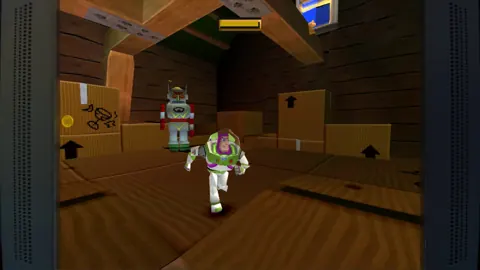 Toy Story: Retro Roundup Bug Reports: Issues & FixesToy Story: Retro Roundup bug reports cover crashes, input lag, audio glitches, and achievements. Find practical checks and workarounds before you replay.
Popular pages
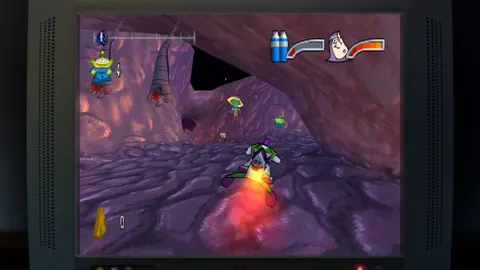
Toy Story: Retro Roundup Beginner Guide: Start Strong
Use this Toy Story: Retro Roundup beginner guide to choose your starting game, learn Rewind, manage Rex's cheats, and tackle classic Pixar adventures.

Toy Story: Retro Roundup Release Date & Buying Guide
Toy Story: Retro Roundup release date is October 15, 2026. Explore platforms, included games, costs, and the Toy Story 3 bundle before choosing an edition.
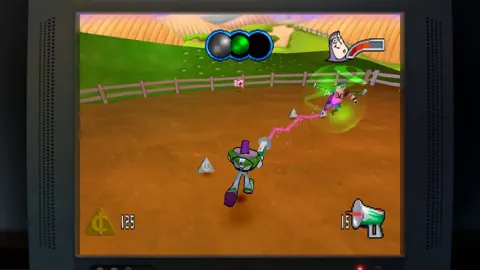
Toy Story: Retro Roundup A Bug's Life Player Guide
Toy Story: Retro Roundup A Bug's Life guide: compare PS1 and Game Boy Color versions, learn key mechanics, and explore cheats, extras, and launch details.
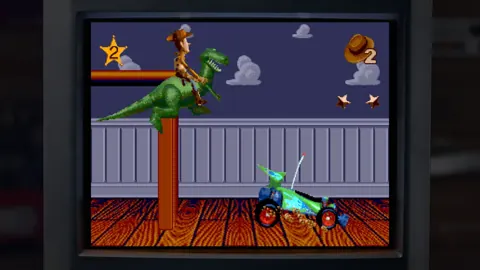
Toy Story: Retro Roundup PC: Steam Setup & Game Guide
Play Toy Story: Retro Roundup PC on Steam. Check Windows requirements, explore all 11 game versions, and learn how rewind, cheats, and local racing work.
Join the community
Official channels for news, updates and player help: