
Toy Story: Retro Roundup Walkthrough: All Games Guide
Follow this Toy Story: Retro Roundup walkthrough for game-by-game objectives, Practice Mode tips, rewind help, cheat options, and collectible strategies.
Jump to
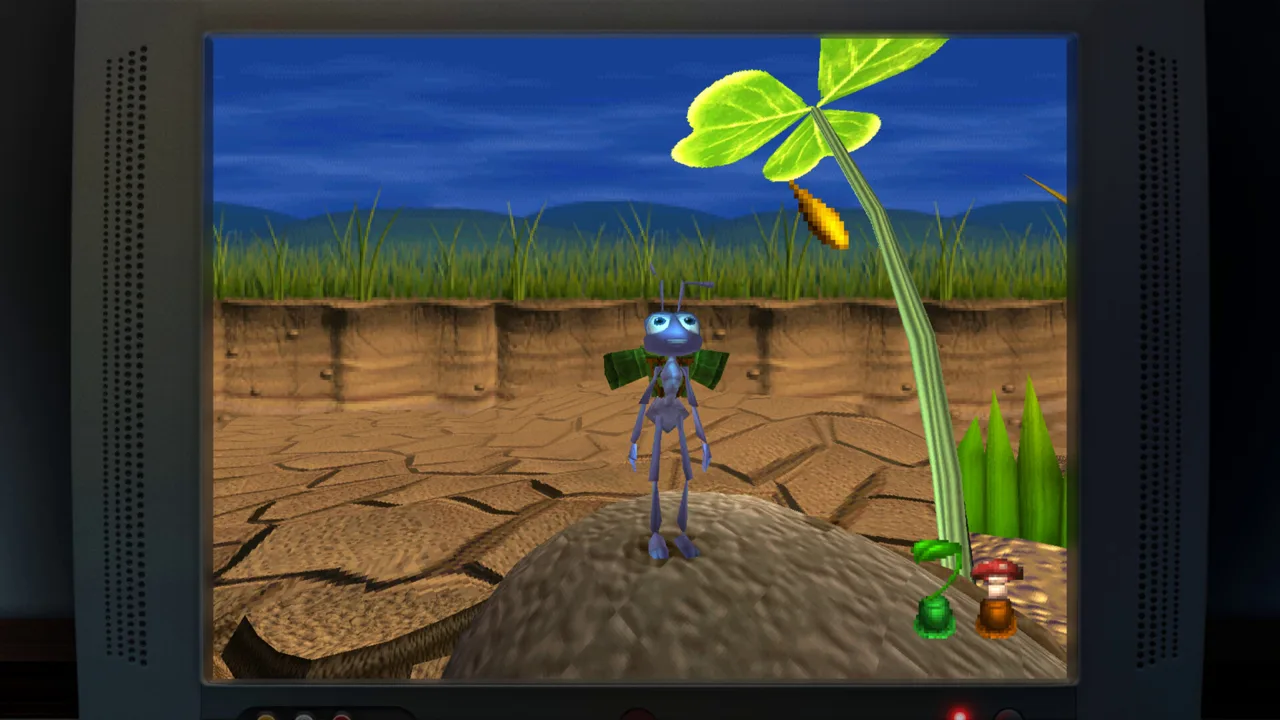
Start in Andy’s Room: Choose Your Game and Set Up
A missed jump across Andy’s shelves doesn’t have to send you back through the same frustrating stretch. This Toy Story: Retro Roundup walkthrough helps you use the collection’s rewind, interactive replays, and instructions to keep moving. Follow the Toy Story: Retro Roundup walkthrough below for a route through the included adventures, with extra attention to objectives, collectibles, and controls.
The collection contains five games across 11 console and handheld versions. Some handheld adaptations play very differently from their console counterparts, so check the platform name before starting.
| Game | Included original platforms |
|---|---|
| Toy Story | Sega Genesis, Super Nintendo, Game Boy |
| A Bug’s Life | PlayStation, Game Boy Color |
| Toy Story 2 | PlayStation as Buzz Lightyear to the Rescue!, Game Boy Color as Toy Story 2 |
| Buzz Lightyear of Star Command | PlayStation, Game Boy Color |
| Toy Story Racer | PlayStation, Game Boy Color |
Follow this Toy Story: Retro Roundup walkthrough in the order shown to move from Woody’s side-scrolling adventure into the later 3D platformers and racing games.
- Choose a game and platform version. Open its enhanced How to Play instructions before launching.
- Read the objectives and control explanations. These cover information that older games sometimes leave unclear during play.
- Adjust the presentation. Choose an original-style display, change the border, or switch the CRT filter off.
- Check the control bindings. Rebind inputs through the collection’s options if the default layout feels awkward.
- Decide whether achievements matter for this run. Rex’s Cheat Codes and Practice Mode disable achievements.
The PlayStation games also offer render scaling, including a 4x setting. Increase it for a cleaner image, or retain the original scale for the older presentation. Display stretching and render scaling are separate choices; try the original proportions before changing the screen mode.
Use the available save slots to preserve progress between sessions. For immediate mistakes, use rewind. For a section you cannot solve, open Practice Mode, watch the recorded playthrough, and take control at the moment you want to rehearse.
Official page: Disney/Pixar Toy Story: Retro Roundup! (atari.com)
Toy Story: Work Through Woody’s Changing Challenges
The original Toy Story follows Woody through events inspired by the first movie. On Genesis and Super Nintendo, much of the action involves running, jumping, and using his pull string as a lasso. The game also changes formats, introducing RC driving and a first-person claw-machine section.
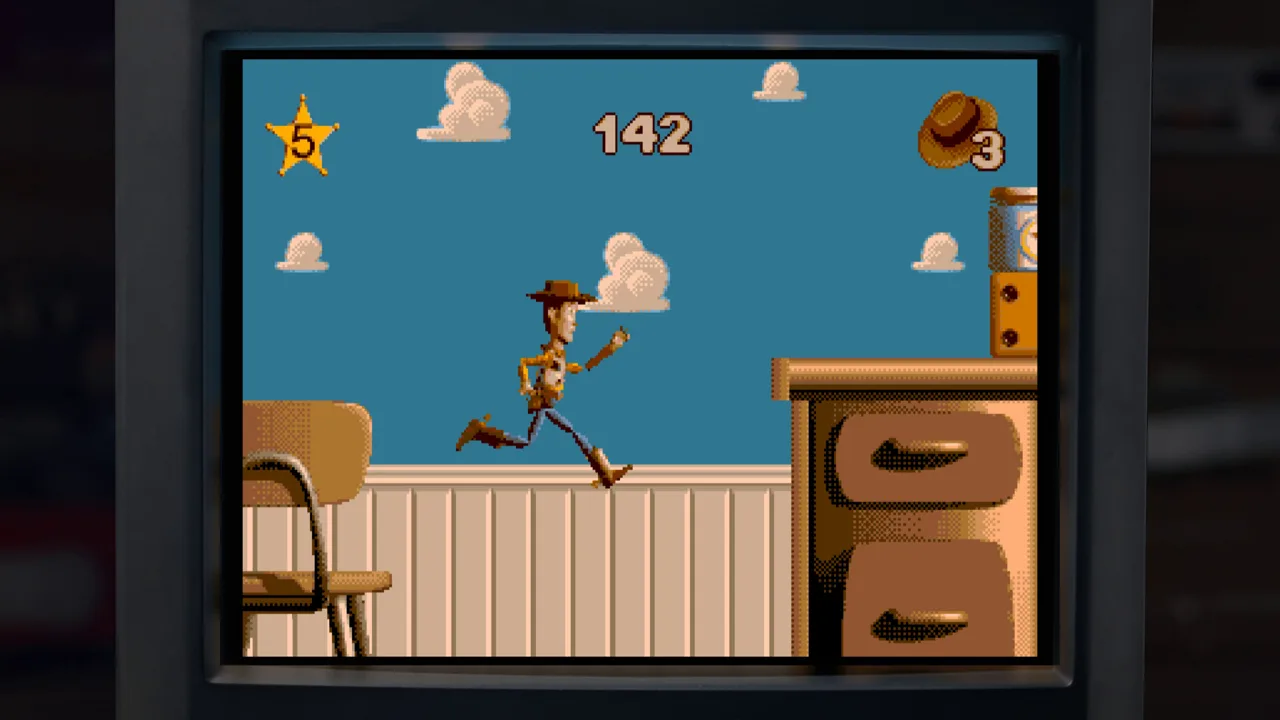 Image: Steam / Digital Eclipse
That variety makes the instructions especially useful. A strategy that works during a platforming stage won’t automatically explain what to do once the viewpoint changes.
| Stage format | Main activity | What to review |
|---|---|---|
| Side-scrolling platforming | Move Woody through obstacles using jumps and his pull string | Controls and the stage objective |
| RC driving | Complete driving sequences with RC | Driving controls |
| Pizza Planet claw machine | Rescue Aliens in a first-person environment | Navigation and rescue objectives |
- Read the stage’s objective before rushing forward. Give yourself time to understand what the level expects.
- Learn Woody’s movement on the opening platforms. Practice the relationship between movement, jumping, and the pull-string attack.
- Rewind after an avoidable hit or missed landing. Return to before the mistake, then change your timing.
- Watch difficult encounters in Practice Mode. Pay attention to how the replay handles an enemy or obstacle before taking over.
- Return to your regular playthrough after practicing. Apply the sequence you just rehearsed.
Rewind is particularly helpful when an obstacle catches you before you understand its timing. Rewind far enough to change your approach instead of repeating the same input immediately before impact.
For bosses with unclear attack opportunities, watch the replay through a successful hit. Then take control before that opening and practice reproducing it.
Objective to track:
- Rescue the Aliens during the Pizza Planet claw-machine section.
Rex’s Cheat Codes include options such as infinite lives, invincibility, and level skipping for Toy Story. Use them when your goal is simply to explore the adventure. Leave them off for achievement attempts.
This part of the Toy Story: Retro Roundup walkthrough rewards patience: learn each new format before trying to push through it quickly.
A Bug’s Life: Turn Seeds Into Platforms
A Bug’s Life on PlayStation shifts the action into a 3D puzzle platformer. Flik attacks with berry projectiles, uses a ground pound, and changes seeds into plants that help him navigate the environment.
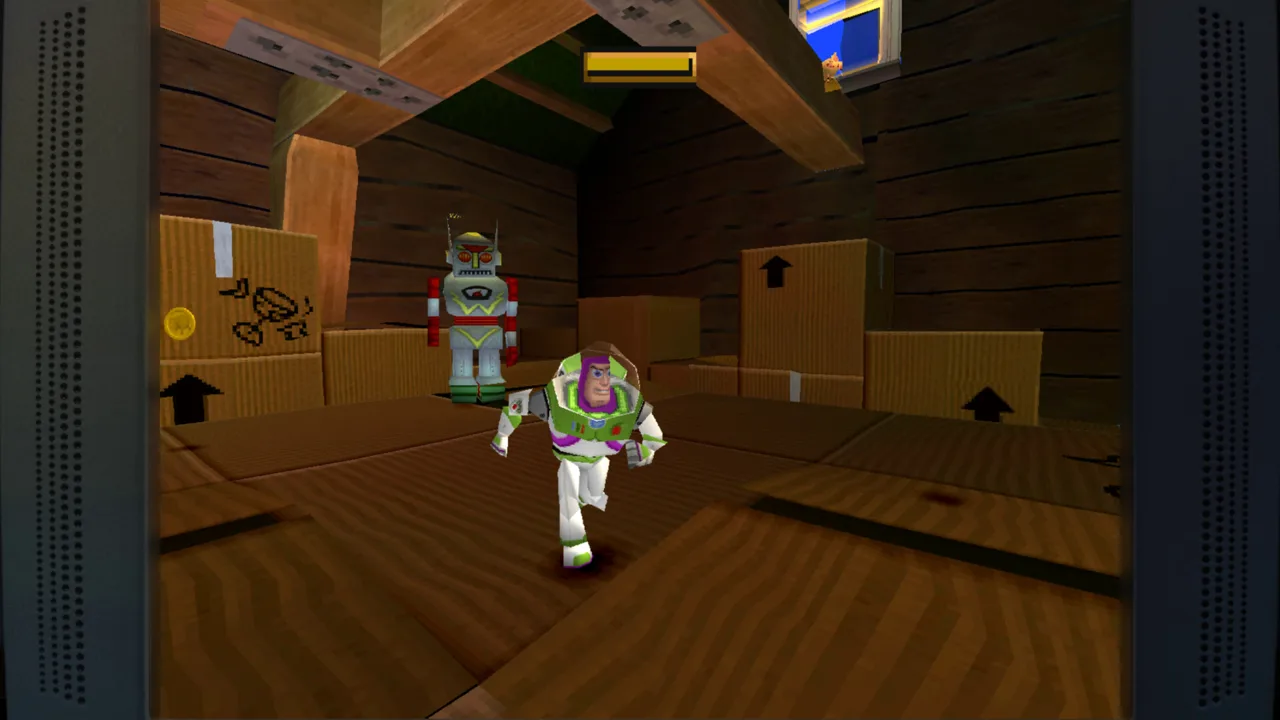 Image: Steam / Digital Eclipse
The important puzzle pieces are often the seeds themselves. Look at the height you need to reach, then consider how different plants can work together.
| Seed color | Resulting plant | Use in traversal |
|---|---|---|
| Red | Bouncy mushroom | Gain height with a bounce |
| Green | Sapling | Reach and use its leaves as platforms |
- Read the movement and seed instructions. Learn Flik’s attacks alongside his platforming abilities.
- Look for seeds near a difficult climb. Treat them as tools for reaching the surrounding terrain.
- Use a red mushroom when you need additional height.
- Combine plants when one cannot reach the target alone. A mushroom can help you jump onto a sapling’s leaf.
- Check elevated spaces for letters before continuing.
The opening stage provides a useful example. A collectible letter sits too high for a mushroom alone, while a sapling’s leaf is also beyond a normal jump. Bring another seed into the solution, then use the mushroom to reach the leaf and continue upward.
That sequence explains the game’s puzzle logic: plant placement and combinations matter as much as jumping.
Collectibles to track:
- The collectible letters spelling Flik’s name.
- Letters positioned above ordinary jumping height.
Use Practice Mode if you understand the required plants but cannot reproduce the jump. Watch the starting position and landing, then take control just before the attempt.
The Game Boy Color version is a separate 2D platformer. Read its own instructions instead of applying the PlayStation route to it. Throughout this Toy Story: Retro Roundup walkthrough, keep the selected platform in mind whenever the perspective or mechanics change.
Toy Story 2: Collect Tokens and Return With Power-Ups
Toy Story 2: Buzz Lightyear to the Rescue! on PlayStation centers on exploring areas and earning Pizza Planet tokens. Progress depends on reaching token requirements, giving you room to choose which objectives to tackle.
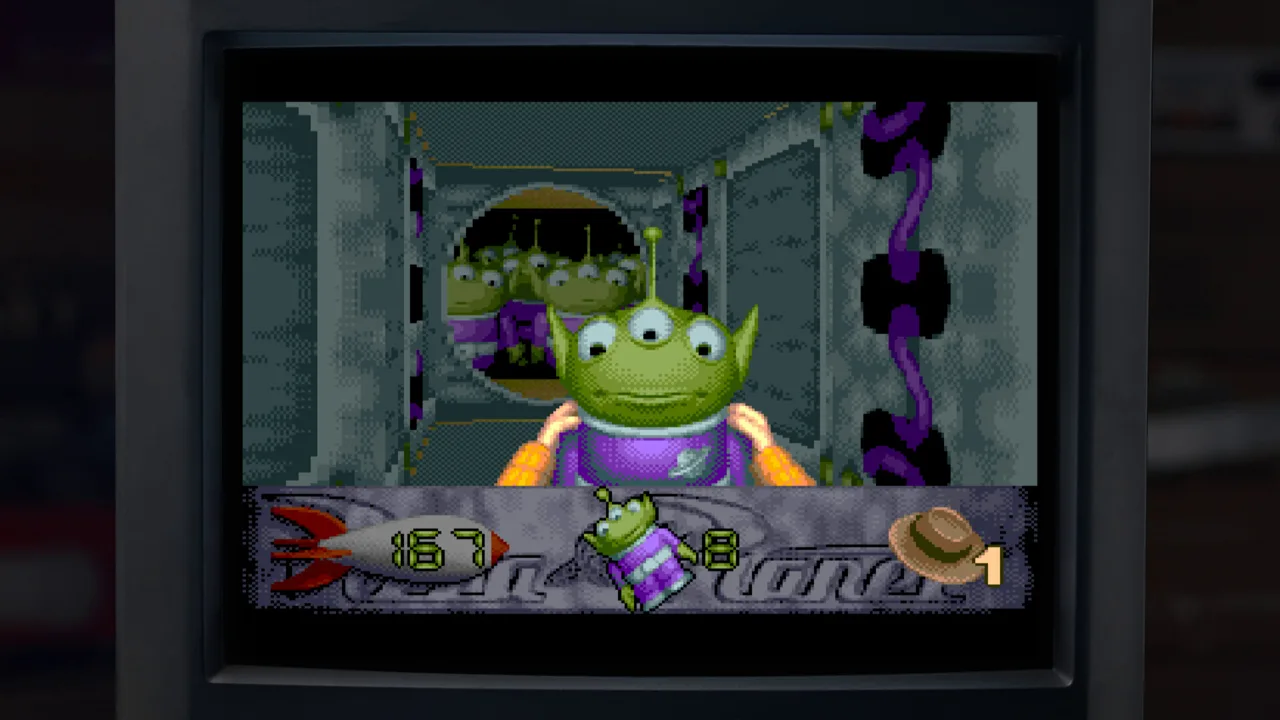 Image: Steam / Digital Eclipse
Some objectives require Mr. Potato Head power-ups acquired later. Move forward when you have enough tokens, then revisit earlier areas with the necessary ability.
| Exploration objective | What to collect or complete | Reward |
|---|---|---|
| Hamm’s coin task | Collect 50 coins | Pizza Planet token |
| Character collection task | Find five collectible characters | Pizza Planet token |
| RC challenge | Complete the race objective | Pizza Planet token |
| Puzzle objective | Solve the area’s puzzle | Pizza Planet token |
| Boss objective | Defeat the boss | Pizza Planet token |
- Explore the area before committing to a difficult objective. Locate characters, coins, challenges, and routes to higher platforms.
- Collect coins while investigating those routes. Work toward Hamm’s 50-coin task as you explore.
- Complete reachable objectives. Build your token total through the challenges you can currently finish.
- Use the camera deliberately before awkward jumps. Reposition it while standing still or bring it behind Buzz.
- Continue once you meet the next progression requirement. Return later for objectives needing additional power-ups.
Avoid spending an entire session on an objective that requires an ability you have not unlocked. Keep track of the obstacle and revisit it after obtaining the relevant Mr. Potato Head power-up.
Collectibles and return visits to track:
- Coins for Hamm.
- Sets of five collectible characters.
- Pizza Planet tokens from remaining objectives.
- Routes requiring later Mr. Potato Head power-ups.
The camera deserves its own preparation. You can reposition it behind Buzz or move it left and right while standing still. First-person viewing also helps with looking around and aiming the laser.
If inverted first-person controls are uncomfortable, Rex’s Cheat Codes includes an option to switch them. Because that adjustment sits within the cheat system, it disables achievements.
Use rewind to retry a landing after adjusting the viewpoint. Increasing the render scale can make the image cleaner, but you still need to work with the original camera controls.
For this Toy Story: Retro Roundup walkthrough, separate your immediate goal from eventual completion: earn enough tokens to advance, unlock more abilities, and revisit unfinished objectives afterward.
The Game Boy Color Toy Story 2 uses a different design. Start with its own How to Play instructions rather than expecting the PlayStation collectathon route.
Star Command and Toy Story Racer: Follow Each Challenge’s Rules
Buzz Lightyear of Star Command changes the pace again. Its stages have Buzz pursuing villains to the finish before fighting and capturing them. Coins can pay for better weapons and shortcuts.
- Read the stage objective and weapon controls.
- Keep the pursuit moving while collecting useful coins.
- Consider the available weapon purchases and shortcuts.
- Prepare for the fight at the end of the chase.
- Use Practice Mode to rehearse a troublesome pursuit or encounter.
Resource to track:
- Coins used for weapons and shortcuts.
Both PlayStation and Game Boy Color versions are included. Review each version’s controls before switching between them.
Toy Story Racer then trades on-foot action for character-based driving challenges. On PlayStation, Woody, Buzz, RC, and Little Bo Peep are initially available. Completing challenges awards Army Men, which unlock further challenges.
| Challenge format | Objective |
|---|---|
| Single race | Complete the race objective |
| Knockout race | Avoid being the last racer when elimination occurs |
| Cup | Compete across four courses |
| Battle challenge | Be the last toy standing |
- Read the challenge description before starting. Identify whether you are racing, avoiding elimination, or surviving a battle.
- Try the available characters. Practice their different handling characteristics.
- Collect Army Men by completing challenges.
- Revisit the challenge selection as more events unlock.
- Use rewind after a costly driving mistake. Rehearse the turn instead of immediately restarting the race.
Toy Story Racer does not include drifting. Concentrate on steering, maintaining your line, and using items while learning each course.
Progress reward to track:
- Army Men awarded for completed challenges.
Finish this Toy Story: Retro Roundup walkthrough by exploring the remaining handheld versions, then visit Toy History for development artwork and interviews. The Music Player also lets you listen to the collection’s soundtracks and create playlists between sessions.
FAQ
Which games does this Toy Story: Retro Roundup walkthrough cover?
It covers Toy Story, A Bug’s Life, Toy Story 2, Buzz Lightyear of Star Command, and Toy Story Racer. The collection includes 11 versions across Genesis, Super Nintendo, Game Boy, PlayStation, and Game Boy Color.
How does Practice Mode help when you get stuck?
Practice Mode plays a recorded run that you can watch, rewind, and navigate to useful points. You can take control during playback to practice a section yourself. Playing in Practice Mode disables achievements.
Do Rex’s Cheat Codes disable achievements?
Yes. Rex’s Cheat Codes disable achievements, including the Toy Story 2 option that changes inverted first-person controls. Leave cheats off when attempting achievements.
Is Toy Story 3: Complete Edition included in Retro Roundup?
Toy Story 3: Complete Edition is a separate game available individually or bundled with Retro Roundup. Its campaign and Toy Box mode are separate from the five-game collection covered here.
Continue with
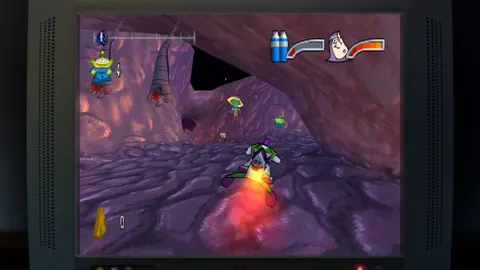 Toy Story: Retro Roundup Beginner Guide: Start StrongUse this Toy Story: Retro Roundup beginner guide to choose your starting game, learn Rewind, manage Rex's cheats, and tackle classic Pixar adventures.
More in Guide
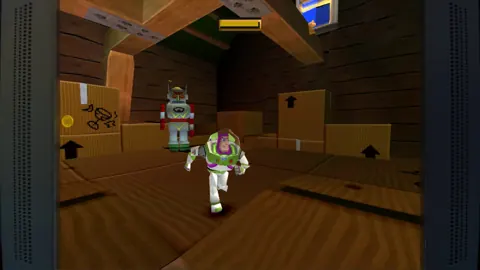
Toy Story: Retro Roundup Controls: Learn Every Game
Learn Toy Story: Retro Roundup controls with How to Play, Practice Mode, Rewind, and tips for getting comfortable with each console and handheld version.
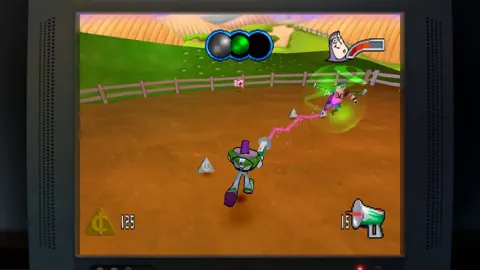
Toy Story: Retro Roundup Trophy Guide: Cheat Rules
Use this Toy Story: Retro Roundup trophy guide to plan a run, understand cheat restrictions, tackle collectibles, and organize your completion checklist.
Join the community
Official channels for news, updates and player help: