
Toy Story: Retro Roundup Controls: Learn Every Game
Learn Toy Story: Retro Roundup controls with How to Play, Practice Mode, Rewind, and tips for getting comfortable with each console and handheld version.
Jump to
Learn the Controls for Your Selected Game
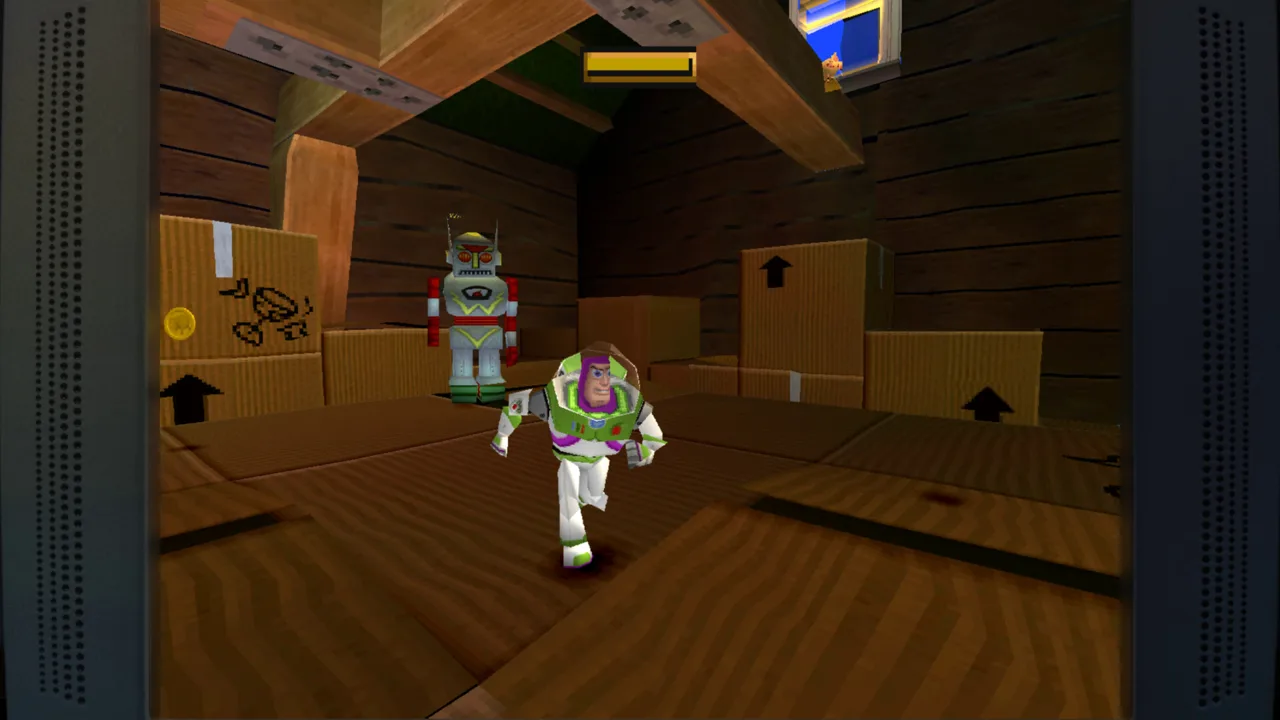
Toy Story: Retro Roundup controls take you from Woody’s platforming adventures to Buzz’s rescue mission and toy-car races. Learning Toy Story: Retro Roundup controls for the version you selected matters because the collection spans console and handheld games with different perspectives and gameplay. Start with the enhanced How to Play instructions, then use Practice Mode to work on the actions you need.
The collection includes 11 versions across Sega Genesis, Super Nintendo, Game Boy, Game Boy Color, and PlayStation. Switching between them can change much more than the graphics: a 3D adventure on PlayStation can become a side-scrolling platformer on Game Boy Color.
Follow this preparation sequence whenever you change games:
- Choose the game and original platform version. Pay particular attention when a title has both console and handheld editions.
- Read its enhanced How to Play instructions. Review the actions for that game before tackling a difficult section.
- Consult the included instruction manual. Use it to understand the original game’s rules and terminology.
- Practice the relevant actions. Take advantage of Practice Mode before committing to a longer attempt.
| Feature | What it provides | How to use it while learning |
|---|---|---|
| Enhanced How to Play | Instructions for learning the games | Review the actions for your selected title |
| Instruction manuals | Original game documentation | Check unfamiliar rules and action descriptions |
| Practice Mode | A place to hone your skills | Work on the actions giving you trouble |
| Rewind | The ability to scrub backward through gameplay | Retry a missed jump or damaging encounter |
| Rex’s Cheat Codes | Game-specific enhancements | Use an available assist while learning |
On PC, the collection supports controllers, and a gamepad is recommended. Keep the selected game’s instructions close at hand when moving between the older systems.
Think of Toy Story: Retro Roundup controls as something to learn one version at a time. Familiarity with the PlayStation edition does not replace learning how its handheld counterpart works.
Official page: Disney/Pixar Toy Story: Retro Roundup! (atari.com)
Guide Woody Through the Original Toy Story
The original Toy Story includes Sega Genesis, Super Nintendo, and Game Boy versions. Its changing level styles make it especially useful for learning how to adapt: controlling Woody through a platforming section is a different task from driving RC or navigating the claw-machine sequence.
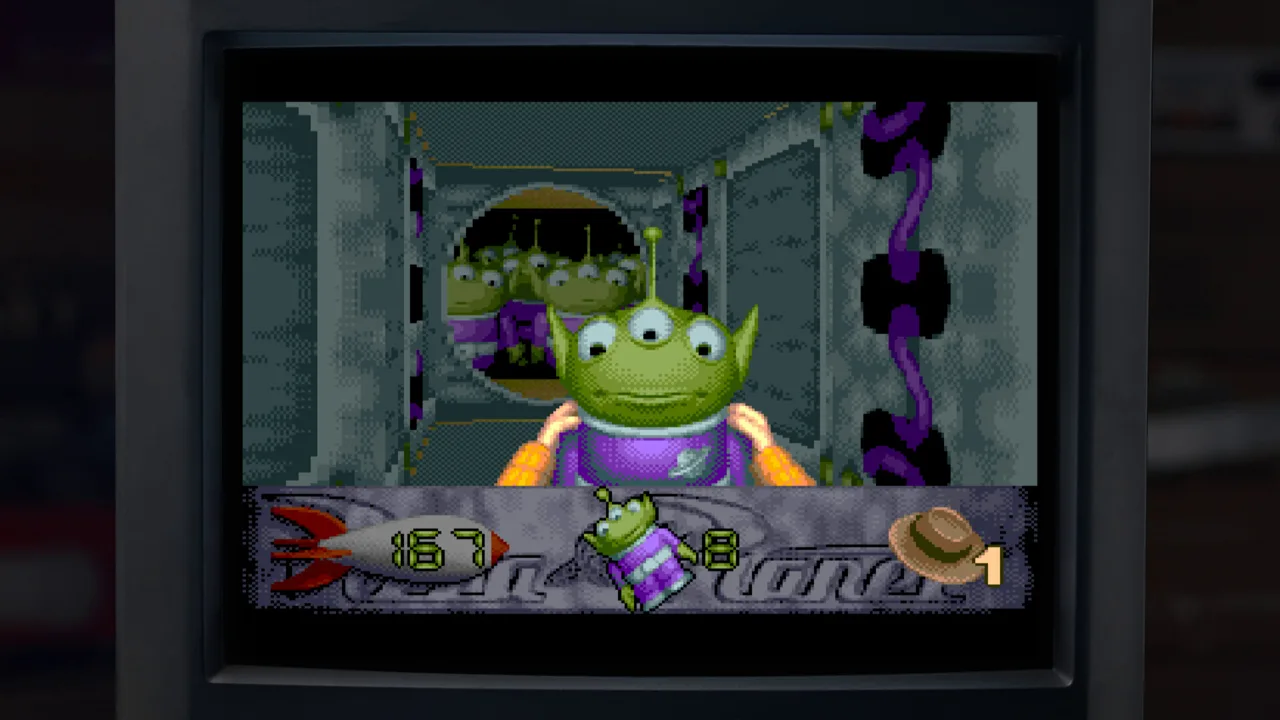 Image: Steam / Digital Eclipse
Start by getting comfortable with Woody’s movement and the actions described in How to Play. Then pay attention when the game changes perspective or gives you a different objective.
Use this sequence to approach its varied challenges:
- Learn Woody’s platforming actions. Practice moving and jumping before trying to rush through obstacles.
- Read the instructions for an unfamiliar level style. Revisit them when the game switches away from ordinary platforming.
- Identify the immediate objective. In the RC sequence, you control RC and try to bump Buzz out the window.
- Use Rewind after a specific mistake. Return to before a missed jump or damaging hit and change your next attempt.
| Level style | What you control or do | Practice focus |
|---|---|---|
| Woody’s platforming sections | Move Woody through obstacles | Movement and jump timing |
| RC sequence | Drive RC and bump Buzz | Steering toward the target |
| Claw-machine sequence | Collect aliens from a first-person perspective | Navigation and the collection objective |
| Boss encounters | Face the game’s bosses | Recognizing the encounter’s attack patterns |
Avoid treating every failure as a reason to restart your entire approach. Rewind gives you a way to isolate the moment that went wrong.
For a missed jump, rewind to before the approach and adjust your timing. For a damaging encounter, give yourself room to watch the enemy before trying again. Change one part of the attempt so you can tell what helped.
When comparing Toy Story: Retro Roundup controls across Genesis, Super Nintendo, and Game Boy, relearn the selected version’s actions before relying on memory. The collection makes switching versions easy, but each deserves its own practice session.
Learn Buzz’s Console and Handheld Adventures
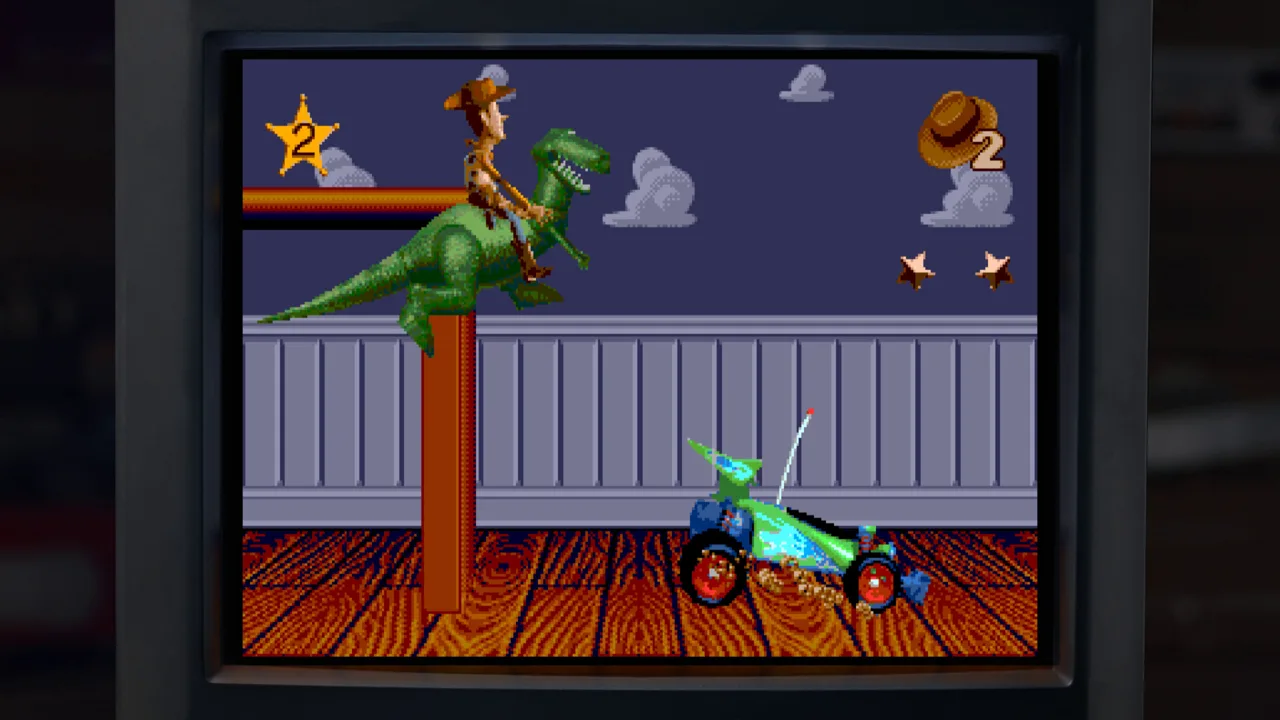 Image: Steam / Digital Eclipse
Toy Story 2: Buzz Lightyear to the Rescue! brings the rescue mission into a 3D environment on PlayStation. You guide Buzz through locations inspired by the movie, explore the surroundings, and take on bosses.
The Game Boy Color Toy Story 2 is a separate handheld version. Likewise, Buzz Lightyear of Star Command includes both PlayStation and Game Boy Color editions with different presentations.
Before tackling either adventure, establish which version you are playing:
- Read the instructions for that edition. Keep the PlayStation and Game Boy Color games separate in your mind.
- Practice movement in the game’s perspective. Give yourself time to adjust when moving between 3D environments and handheld layouts.
- Learn the actions tied to the immediate challenge. Focus on navigation, combat, or the race objective as appropriate.
- Revisit How to Play when an action feels unfamiliar. Use the game’s own instructions to refresh your memory.
| Game and version | Gameplay structure | What to focus on |
|---|---|---|
| Toy Story 2: Buzz Lightyear to the Rescue! — PlayStation | 3D exploration with boss encounters | Movement through the environment |
| Toy Story 2 — Game Boy Color | Handheld adaptation | Its own instructions and action layout |
| Buzz Lightyear of Star Command — PlayStation | 3D action with races on foot | Movement, weapons, and shortcuts |
| Buzz Lightyear of Star Command — Game Boy Color | Upward-scrolling action | Navigating the screen while fighting enemies |
In the PlayStation Buzz Lightyear of Star Command, coins pay for better weapons and shortcuts. Keep those uses in mind while learning the game: movement and combat are part of a race-focused structure.
Practice navigating around enemies before trying to combine every action at once. Then work weapons and route choices into your attempts.
For Toy Story 2 on Steam, check Rex’s Cheat Codes for the camera-direction switch if you want to change the inverted camera. After changing it, spend some time moving and looking around before attempting difficult platforming.
Camera behavior deserves attention alongside the rest of Toy Story: Retro Roundup controls. Give yourself a clear view of the space you need to cross, then attempt the jump.
Switch to Toy Story Racer and A Bug’s Life

Toy Story Racer changes the task again. Its PlayStation edition emphasizes missions as well as racing, while the Game Boy Color version uses a different racing presentation.
Treat these as separate driving games when learning their controls. Read the instructions for the edition you selected, then practice steering before concentrating on every objective.
A Bug’s Life also changes substantially between platforms. On PlayStation, it is a third-person platform adventure where planting seeds creates platforms and throwing berries provides an attack. On Game Boy Color, it becomes a side-scrolling platformer.
Work through these games in a deliberate sequence:
- For Toy Story Racer, learn steering before chasing a clean result. Concentrate on controlling the car through the course.
- Read the current racing objective. The PlayStation game puts significant emphasis on missions.
- For A Bug’s Life on PlayStation, learn both berries and seeds. They serve different purposes in combat and navigation.
- Readjust when switching to Game Boy Color. Learn the side-scrolling version on its own terms.
| Game and version | Main interaction | Learning priority |
|---|---|---|
| Toy Story Racer — PlayStation | Driving through races and missions | Steering and understanding the objective |
| Toy Story Racer — Game Boy Color | Handheld racing with a different presentation | Staying on course |
| A Bug’s Life — PlayStation | Throwing berries and planting seeds | Combat and creating platforms |
| A Bug’s Life — Game Boy Color | Side-scrolling platforming | Movement through a 2D environment |
In A Bug’s Life, look at navigation problems with the seed mechanic in mind. Planting is part of how you create a path through the PlayStation adventure.
Practice berry attacks separately from platforming whenever you have room. Once the individual actions feel familiar, combine them during more demanding sections.
For Toy Story Racer, concentrate on one driving problem per attempt. Work on steering through a troublesome section before worrying about the entire race.
This part of learning Toy Story: Retro Roundup controls rewards flexibility. Carry over the habit of reading objectives and practicing actions, then adapt that habit to each game’s mechanics.
Use Rewind, Practice Mode, and Rex’s Cheat Codes
The collection’s learning tools let you spend more time working on a difficult action. Rewind helps you revisit a mistake, Practice Mode provides space to improve, and Rex’s Cheat Codes offer game-specific assistance.
Use each tool with a clear purpose:
- Identify the action that caused the problem. Separate a missed jump from trouble understanding an objective.
- Return to the instructions if you need an action explained.
- Practice or rewind to repeat the relevant challenge.
- Use an available cheat when you want additional help learning.
| Tool or enhancement | Supported effect | Practical use |
|---|---|---|
| Rewind | Hold a button to scrub backward through gameplay | Return to before a mistake |
| Practice Mode | Lets you hone your skills | Rehearse unfamiliar actions |
| Unlimited lives | Available through game-specific cheats | Keep learning with an extra assist |
| Invincibility | Available through game-specific cheats | Focus on movement or navigation |
| Character or level unlocks | Available through Rex’s Cheat Codes | Access the applicable game content |
To use Rewind, hold its assigned button and scrub back to before the error. Choose a point that gives you time to make a different decision.
If you repeatedly rewind the same failed jump, change the approach on the next attempt. Adjust when you jump or how you position the character rather than repeating the identical movement.
Keep cheat choices specific to the game you are playing. Rex’s Cheat Codes include options such as unlimited lives, invincibility, and character or level unlocks, with enhancements tied to individual games.
You can also play without these assists. Choose the amount of help that keeps the challenge enjoyable while you learn.
Return to Toy Story: Retro Roundup controls whenever you switch editions or encounter a new gameplay style. A short review of How to Play can make the next attempt more purposeful.
FAQ
Where should I start learning Toy Story: Retro Roundup controls?
Start with the enhanced How to Play instructions for your selected game and version. Use the included manual for its original rules, then practice unfamiliar actions in Practice Mode.
Does Toy Story: Retro Roundup support controllers on PC?
Yes. The Steam version includes full controller support, and a gamepad is recommended. Review each game’s instructions as you move between console and handheld versions.
How do I use Rewind?
Hold the assigned Rewind button to scrub backward through gameplay. Return to before a missed jump or damaging encounter, then try a different approach.
Can I change the inverted camera in Toy Story 2?
On Steam, check Rex’s Cheat Codes for the camera-direction switch in Toy Story 2. Practice moving and adjusting the camera after changing it so you can get comfortable before continuing.
Continue with
 Toy Story: Retro Roundup Trophy Guide: Cheat RulesUse this Toy Story: Retro Roundup trophy guide to plan a run, understand cheat restrictions, tackle collectibles, and organize your completion checklist.
More in Guide
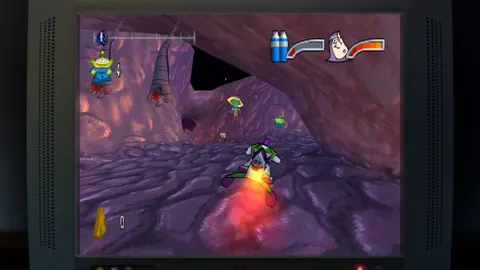
Toy Story: Retro Roundup Beginner Guide: Start Strong
Use this Toy Story: Retro Roundup beginner guide to choose your starting game, learn Rewind, manage Rex's cheats, and tackle classic Pixar adventures.
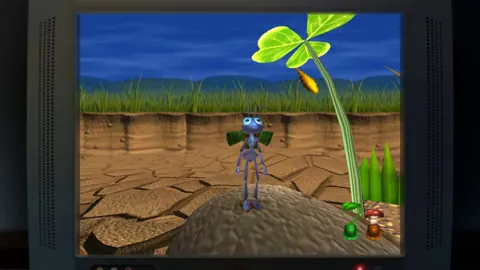
Toy Story: Retro Roundup Walkthrough: All Games Guide
Follow this Toy Story: Retro Roundup walkthrough for game-by-game objectives, Practice Mode tips, rewind help, cheat options, and collectible strategies.
Join the community
Official channels for news, updates and player help: