
Toy Story: Retro Roundup Rewind: Retry Every Mistake
Toy Story: Retro Roundup rewind lets you retry missed jumps and costly hits. Learn how Practice Mode and Rex’s Cheat Codes help you revisit classic games.
Jump to
Start Here: How to Use Rewind
One missed jump across Andy’s shelves can turn a familiar childhood adventure into another frustrating restart. The Toy Story: Retro Roundup rewind feature lets you scrub back before a mistake and attempt it again, making difficult sections easier to revisit. With Toy Story: Retro Roundup rewind, you can spend more time learning the obstacle that stopped you and exploring the scenes beyond it.
Digital Eclipse’s collection brings together 11 console and handheld versions of Pixar games originally released between 1995 and 2001. Their timers, tricky platforming, and awkward cameras remain part of the experience. Rewind gives you a way to recover when those challenges catch you out.
Retry a mistake step by step
- Identify what went wrong. Watch where a jump falls short, an enemy connects, or your position becomes dangerous.
- Hold the rewind button. Scrub backward through the action until you reach a moment before the mistake.
- Try the section again. Adjust your approach using what the failed attempt taught you.
The useful moment to return to is often before you commit to the action. For a missed jump, rewind to the approach so you have room to change your positioning.
| Situation | What rewind lets you do | What to change on the retry |
|---|---|---|
| Missed platform jump | Return to before the failed attempt | Adjust your takeoff position |
| Several enemy hits | Go back before the damaging encounter | Reconsider your approach |
| Awkward camera during platforming | Retry the movement that went wrong | Check your position before committing |
| Repeated trouble at one obstacle | Revisit the same sequence | Focus on one movement at a time |
Use Toy Story: Retro Roundup rewind as immediate feedback. After an unsuccessful attempt, change something specific: your approach, your timing, or the position from which you jump. Repeating an identical movement gives you less to work with than testing a deliberate adjustment.
Toy Story: Work Through the Timed Stages
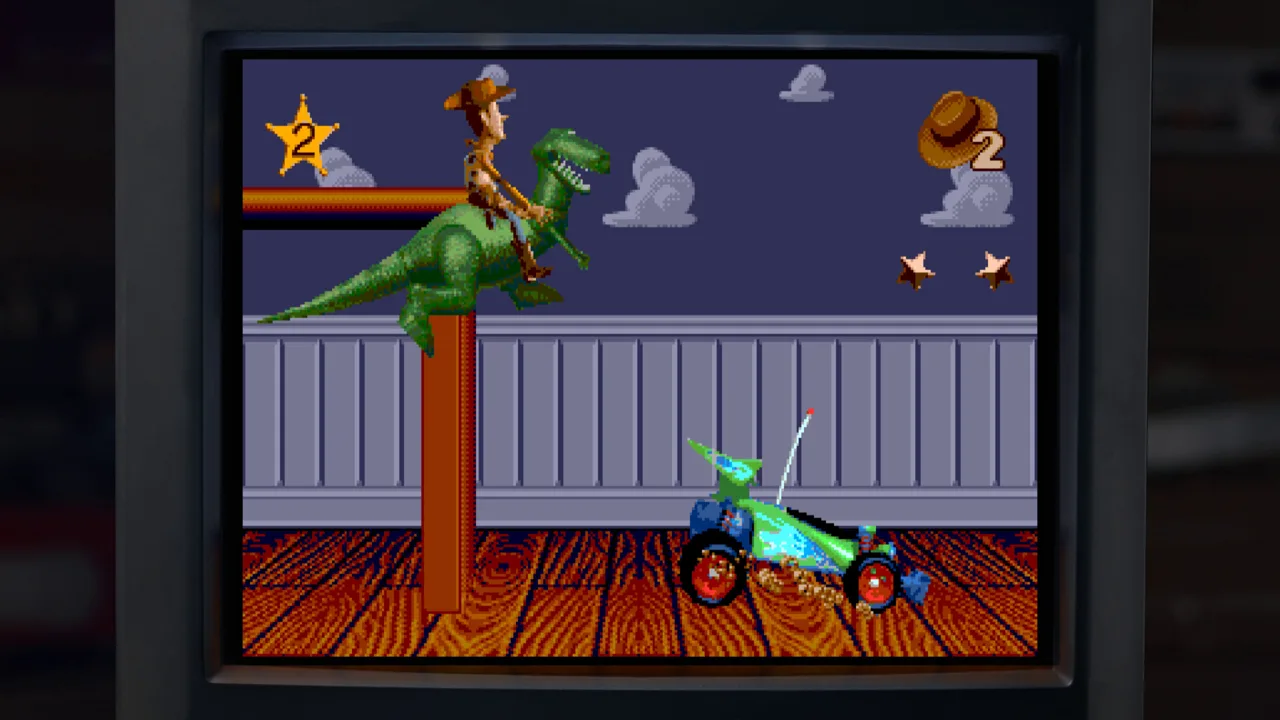
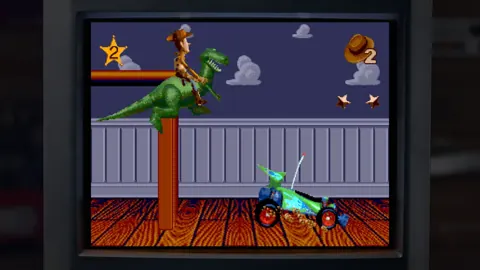
The original Toy Story recreates scenes from the first movie through challenging stages, with racing sequences adding another kind of control challenge. Many levels put you against a timer while you work out the objective.
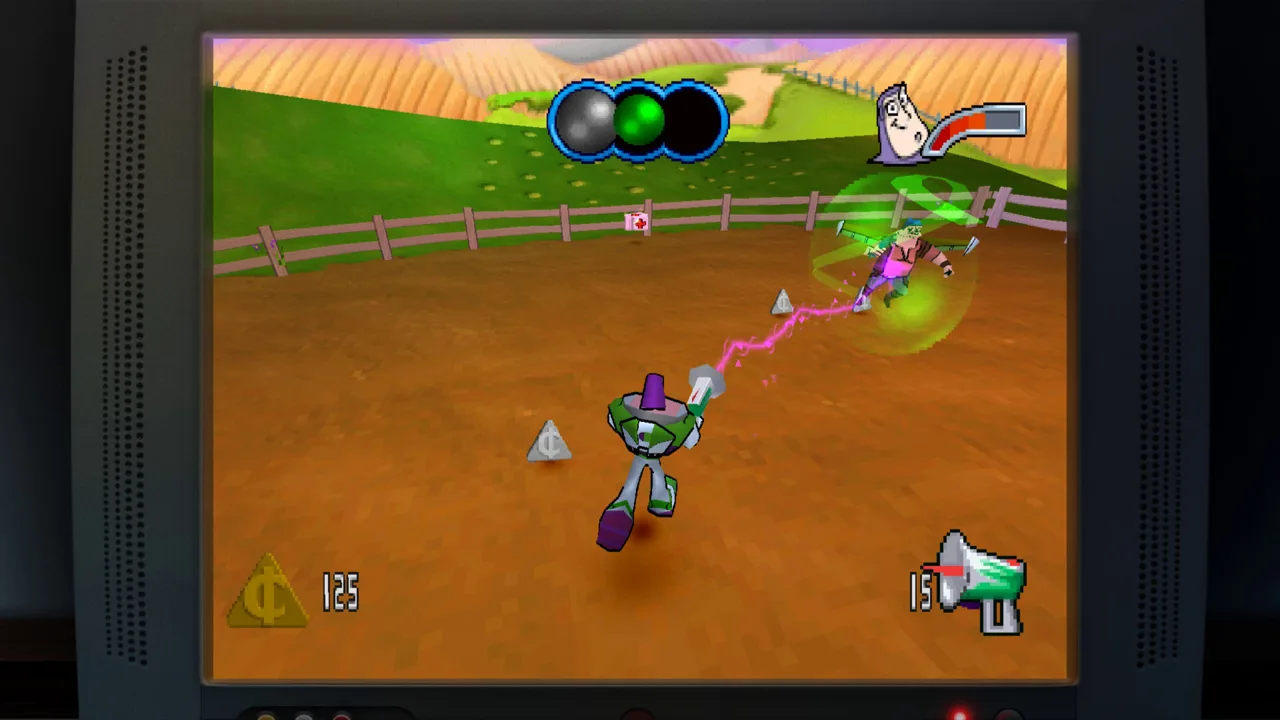 Image: Steam / Digital Eclipse
That combination makes hesitation expensive. Before rushing forward, use the collection’s enhanced How to Play instructions to understand the game. Familiar characters and movie settings can make the adventure look approachable, but the platforming demands attention.
Set up your next attempt
- Read the instructions before starting. Give yourself a clearer understanding of the controls and objectives.
- Identify the immediate task. Focus on what the current stage asks you to accomplish.
- Watch the timer while learning the route. Notice where uncertainty slows you down.
- Rewind a failed movement and adjust it. Practice the jump or encounter that caused the setback.
- Reassess when the stage changes format. Racing sections require a different approach from platforming.
The collection includes three versions of the original adventure:
| Original game version | Original platform |
|---|---|
| Toy Story | Sega Genesis |
| Toy Story | SNES |
| Toy Story | Game Boy |
Choose the version you remember if you want a familiar starting point. Explore another version when you want to see how the same movie became a game on different hardware.
Toy Story: Retro Roundup rewind is particularly useful when you understand the objective but keep losing progress to execution. A difficult jump becomes something you can study through repeated attempts.
Before continuing, check that you understand the current objective, the controls for that stage, and the movement that caused your last mistake. Those details give the next attempt a clear purpose.
Toy Story 2: Explore Andy’s House and Collect Tokens
Toy Story 2: Buzz Lightyear to the Rescue! moves into 3D exploration, putting you in control of Buzz across 15 levels. The opening area turns Andy’s house into a space you can investigate, including rooms, the garage, and the kitchen.
Scale gives the adventure much of its appeal. Household spaces become platforming environments, and familiar surroundings offer more room to explore than the movie could show.
Pizza Planet tokens drive your objectives. You earn them through activities such as helping friends and completing platforming challenges. Later upgrades also let Buzz return to earlier levels and collect more.
Work through the opening exploration
- Explore Andy’s house. Look around its rooms, garage, and kitchen to understand how the area connects.
- Find tasks and platforming challenges. These provide opportunities to earn Pizza Planet tokens.
- Complete an objective and collect its token.
- Read the prompt after collecting it. The game offers a choice to leave the level, so select carefully if you want to keep exploring.
- Return to earlier levels after obtaining later upgrades. Use Buzz’s expanded abilities to pursue additional collectibles.
| Activity | Objective or collectible |
|---|---|
| Helping friends | Earn Pizza Planet tokens |
| Completing platforming challenges | Earn Pizza Planet tokens |
| Revisiting earlier levels with later upgrades | Collect more items |
| Exploring Andy’s house | Investigate rooms, the garage, and the kitchen |
The camera and controls can complicate jumps, especially when judging Buzz’s position in 3D space. Before committing to a platforming sequence, take a moment to understand where you are standing relative to the next surface.
Use Toy Story: Retro Roundup rewind when a failed jump interrupts that process. Return to the approach, reconsider your position, and attempt the movement again. The camera’s limitations remain, but a retry gives you another chance to account for them.
Take the handheld adventure separately
Toy Story 2 on Game Boy Color is a side-scrolling platformer with 11 levels. Buzz runs, jumps, and uses his laser while following the second film’s events.
Explore for collectibles and special interactions as you move through its stages. Treat this as its own adventure: its side-scrolling levels ask different things of you than the PlayStation game’s 3D environments.
A Bug’s Life, Star Command, and Toy Story Racer
The remaining games shift between plant puzzles, action stages, and kart racing. Change your approach as you move between them; each has its own obstacles to learn.
 Image: Steam / Digital Eclipse
A Bug’s Life: Use plants to open the way
In the PlayStation version of A Bug’s Life, Flik transforms seeds into plants that help him reach new areas. Seed upgrades expand those possibilities, adding puzzle solving to the platforming.
- Explore the level for seeds and upgrades.
- Use plant transformations to reach additional areas.
- Revisit the possibilities when you obtain an upgrade.
- Take time to search for collectibles while exploring.
Homing seeds help with enemies because you do not need to face a target directly to attack it. Use that capability when positioning and the camera make aiming difficult.
Watch how a new plant changes your access to the surrounding space. The puzzle often involves recognizing what a transformation allows you to reach. Give yourself time to inspect those possibilities before moving on.
Buzz Lightyear of Star Command: Prepare for the boss
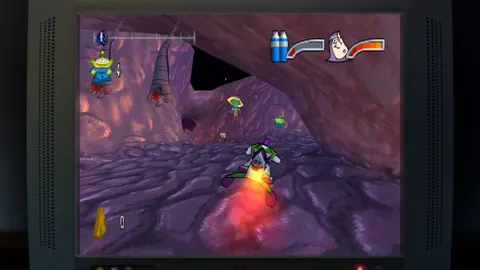
Buzz Lightyear of Star Command builds its stages around a race against the boss. Along the way, coins, shortcuts, and special weapons contribute to the run.
- Advance through the stage while watching approaching threats.
- Collect coins and look for shortcuts.
- Pick up special weapons to help with the final encounter.
- Review troublesome encounters before attempting them again.
Stay attentive to the route as well as the enemies. The stage asks you to keep moving while dealing with opposition, so learning where trouble begins helps you plan the next attempt.
Toy Story Racer: Learn the handling before chasing shortcuts
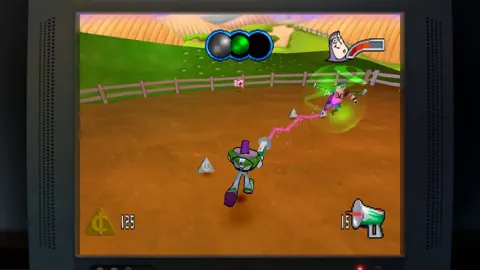
Toy Story Racer includes familiar characters, household settings, shortcuts, and multiple event types. Its driving takes adjustment, and your enjoyment will depend partly on how comfortable you become with the controls.
Learn how the kart responds before committing to an unfamiliar shortcut. Use repeated attempts to understand the route and where your steering sends you.
Across these games, Toy Story: Retro Roundup rewind gives mistakes a smaller cost. Your next decision still matters: choose a different position, reconsider the route, or approach the encounter with a better understanding of its demands.
Finish Your Run With Practice and Cheat Options
Rewind works alongside a broader set of tools. Enhanced instructions, Practice Mode, Rex’s Cheat Codes, and level skipping give you several ways to approach a difficult game.
| Feature | What it provides |
|---|---|
| Rewind | Scrub backward before a mistake and retry |
| Enhanced How to Play instructions | Help learning the game |
| Practice Mode | A place to hone your skills |
| Rex’s Cheat Codes | Game-specific options such as unlimited lives, invincibility, or character and level unlocks |
| Level skipping | A way to move beyond a stage |
Choose the tool that addresses the obstacle in front of you:
- Read How to Play when the controls or objective are unclear.
- Use Practice Mode when you want to develop your skills.
- Rewind when one mistake interrupts an otherwise promising attempt.
- Explore Rex’s Cheat Codes when you want additional assistance.
- Use level skipping to see beyond a stage that has held you up.
Keep game-specific options in mind when exploring the cheats. Unlimited lives, invincibility, and unlocks serve different purposes, so select an available option that fits what you want from that session.
Toy Story: Retro Roundup rewind also makes it easier to revisit these games in shorter bursts. You can focus on the obstacle in front of you without accepting every missed jump as the end of that attempt.
After playing, explore the virtual museum’s design documents, development photos, box art, and manuals. Interviews with people involved in the games and films add context to the adventures, while the Music Player includes soundtracks from every game in the collection.
For platform options and purchase details, visit the Toy Story: Retro Roundup Steam page.
FAQ
How does Toy Story: Retro Roundup rewind work?
Hold the rewind button to scrub backward through gameplay. Return to a moment before a missed jump or damaging encounter, then attempt that section again.
What is the difference between rewind and Rex’s Cheat Codes?
Rewind lets you retry a recent mistake. Rex’s Cheat Codes provide game-specific enhancements such as unlimited lives, invincibility, and character or level unlocks.
Does rewind improve the original camera or driving controls?
The original control challenges remain part of the games. Rewind gives you another attempt after a mistake, letting you adjust your positioning or approach.
Is Toy Story 3 included in Retro Roundup?
Toy Story 3 Complete Edition is a separate game available in a double pack with Retro Roundup. The standalone Retro Roundup collection covers earlier games, with 11 console and handheld versions included.
Continue with
 Toy Story: Retro Roundup Multiplayer: How It WorksExplore Toy Story: Retro Roundup multiplayer, including local PvP, Steam Remote Play Together, controller support, and what to know about the Double Pack.
More in Features
See all Features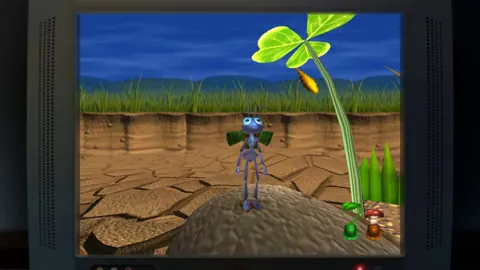
Popular pages
Toy Story: Retro Roundup Beginner Guide: Start Strong
Use this Toy Story: Retro Roundup beginner guide to choose your starting game, learn Rewind, manage Rex's cheats, and tackle classic Pixar adventures.

Toy Story: Retro Roundup Release Date & Buying Guide
Toy Story: Retro Roundup release date is October 15, 2026. Explore platforms, included games, costs, and the Toy Story 3 bundle before choosing an edition.
Toy Story: Retro Roundup A Bug's Life Player Guide
Toy Story: Retro Roundup A Bug's Life guide: compare PS1 and Game Boy Color versions, learn key mechanics, and explore cheats, extras, and launch details.
Toy Story: Retro Roundup PC: Steam Setup & Game Guide
Play Toy Story: Retro Roundup PC on Steam. Check Windows requirements, explore all 11 game versions, and learn how rewind, cheats, and local racing work.
Join the community
Official channels for news, updates and player help: