
Toy Story: Retro Roundup Practice Mode Walkthrough
Toy Story: Retro Roundup practice mode lets you watch level runs and take control. Learn how to rehearse tricky sections and use Rewind for another try.
Jump to
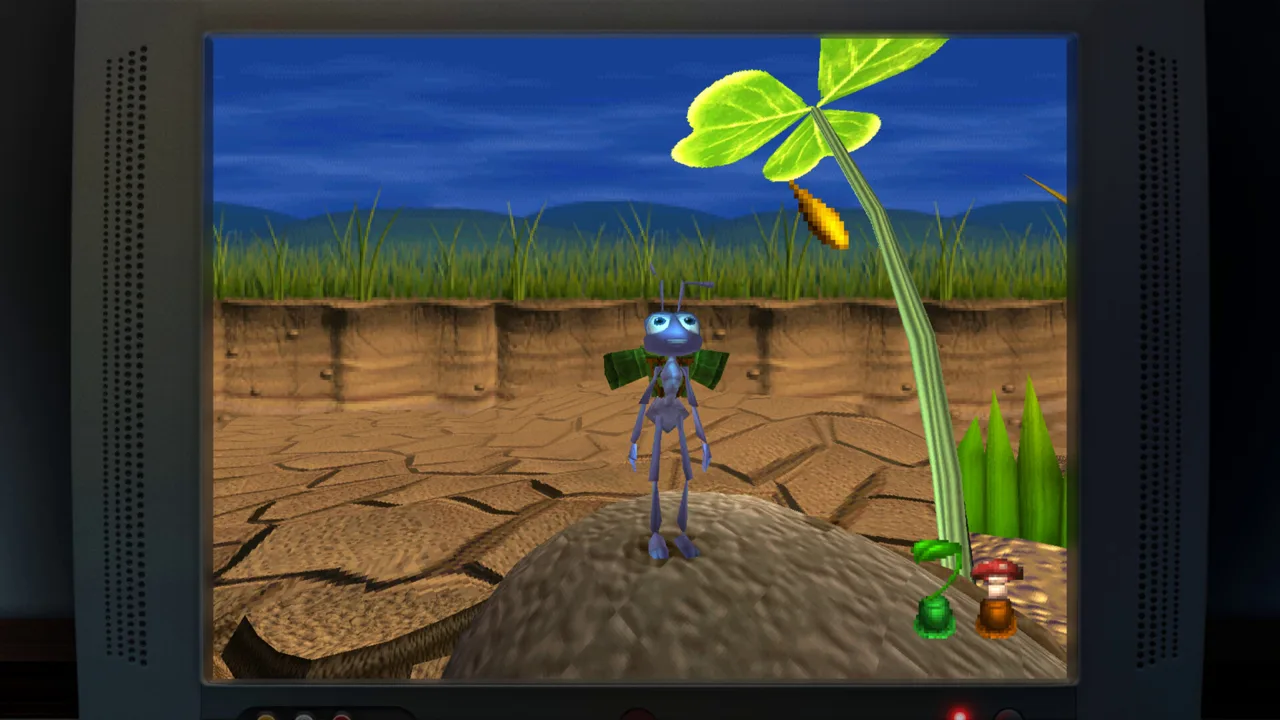
Start Here: What Practice Mode Does
Toy Story: Retro Roundup practice mode lets you watch prepared level runs, skip to key moments, and take control yourself. That means you can study a difficult stretch before trying to execute it. Use Toy Story: Retro Roundup practice mode to turn a frustrating obstacle into something you can watch, understand, and rehearse.
The collection brings together 11 console and handheld versions of classic Pixar games. Across those adventures, familiar characters come with very different controls, camera perspectives, and challenges. Knowing Woody and Buzz doesn't automatically prepare you for the timing their older games demand.
Practice Mode gives you a playable demonstration. You can follow a successful run, move to a key moment, and press a button to jump into the action. That makes it useful for learning both what to do and how the movement should look.
Start by separating the collection's learning tools:
| Feature | What it does |
|---|---|
| How to Play | Explains the game through enhanced instructions |
| Practice Mode | Provides prepared level runs with key moments and opportunities to take control |
| Rewind | Moves gameplay back before a mistake so you can try again |
| Rex’s Cheat Codes | Offers game-specific assists, including unlimited lives or invincibility |
These tools address different parts of getting stuck. Instructions explain your actions. A demonstration shows those actions in context. Rewind lets you revisit an error, while cheats change particular conditions of play.
- Read the How to Play instructions for the game you're learning.
- Pick a specific obstacle or movement you want to understand.
- Watch its execution in Practice Mode before attempting it yourself.
Keep your opening goal narrow. Learn one jump, one approach, or one stretch of movement before trying to remember an entire level.
Official page: Disney/Pixar Toy Story: Retro Roundup! (atari.com)
Watch the Run Before Taking Control
The useful part of Toy Story: Retro Roundup practice mode is the connection between watching and doing. A successful demonstration gives you something concrete to compare against your own attempt.
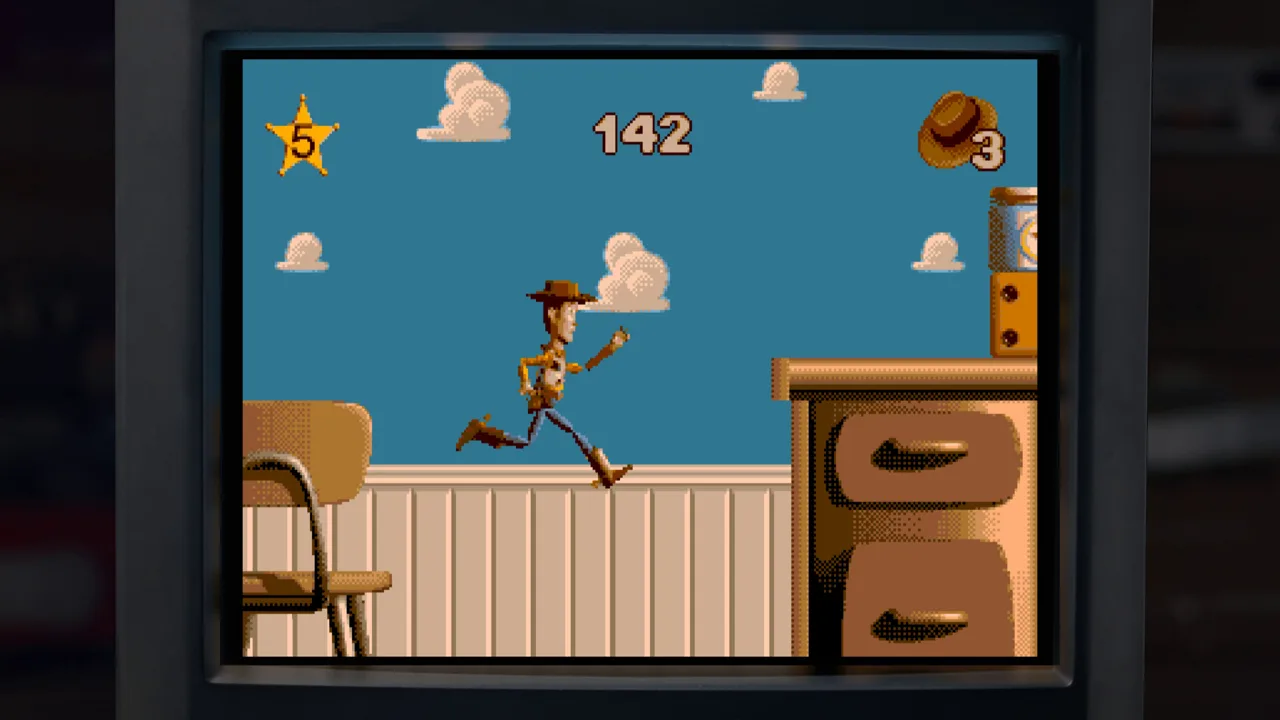 Image: Steam / Digital Eclipse
Watch the lead-up to an obstacle as closely as the obstacle itself. For a jump, study where the character approaches from and where the landing sits. For a stretch with enemies, watch how movement carries the character through the space.
Avoid trying to memorize every action immediately. Choose a single question: Where should you jump? Which direction does the route continue? What happens just beyond the platform?
| Rehearsal stage | Action to take |
|---|---|
| Learn the route | Watch the prepared run through the troublesome stretch |
| Focus your attention | Use the key moments to revisit the relevant part |
| Study the approach | Watch the movement leading into the obstacle |
| Try it yourself | Press the takeover button when you're ready |
| Review the attempt | Compare your movement with the demonstrated approach |
Toy Story: Retro Roundup practice mode also lets you separate understanding a route from executing it. Recognizing the destination is one task; getting the character there is another.
- Watch through the section you want to learn.
- Identify a visible landmark near the difficult action.
- Take control with enough room to attempt the approach.
- Focus on reproducing that action before pushing farther.
For example, if a shelf jump keeps ending in a fall, pay attention to the position before takeoff. Simply staring at the landing leaves out the movement that gets you there.
Change one part of your attempt at a time. Adjust your approach, then reassess. Changing direction, timing, and destination together makes it harder to identify what helped.
Take Over, Then Rework the Mistake
Once the route makes sense, use Toy Story: Retro Roundup practice mode to put your hands on the controls. Watching a clean run can make a section look straightforward; taking over reveals which part still needs work.
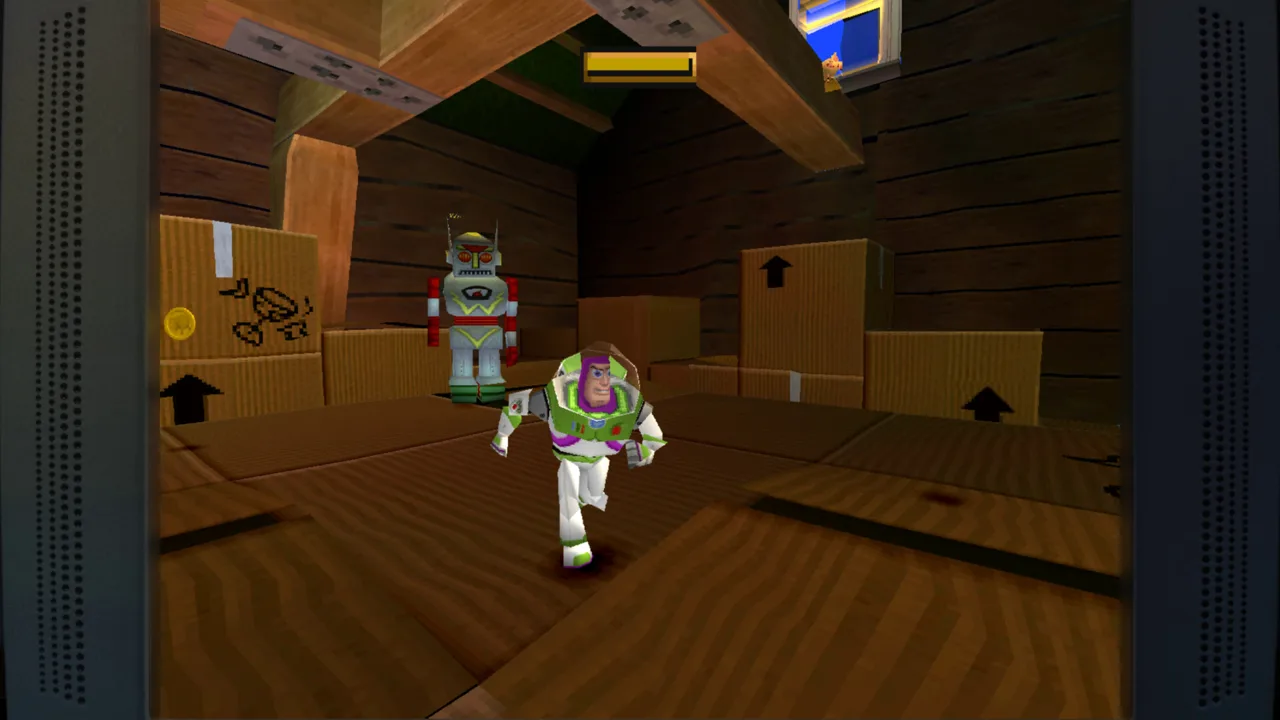 Image: Steam / Digital Eclipse
Give each attempt a clear purpose. Try to reach the next platform cleanly, move past an enemy without rushing, or follow the demonstrated route through a confusing stretch.
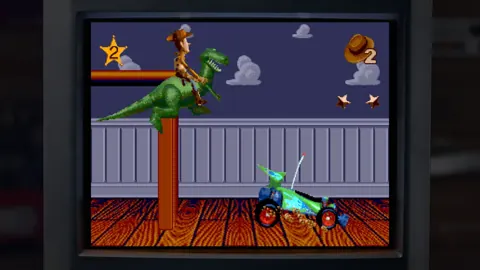
The original Toy Story includes demanding platforming, including jumps across Andy's shelves. Rewind gives you another way to work on those mistakes: hold its button and move back to before the error, then try again.
Think about the exact action you want to change before repeating it. If you missed a ledge, rewind far enough to reconsider the approach. If you took a hit, examine your movement before the collision.
- Attempt the section after watching its demonstration.
- Notice where your movement differs.
- Use Rewind during gameplay to revisit a mistake.
- Repeat with one deliberate adjustment.
Keep the target specific: “land on the next shelf” gives you clearer feedback than “get better at platforming.” Once that action feels manageable, extend the attempt to include what follows.
Toy Story: Retro Roundup practice mode and Rewind provide complementary ways to learn. The demonstration gives you a successful example; Rewind helps you revisit your own execution.
After rehearsing a stretch, return to regular play and try connecting it to the surrounding level. Include the approach you practiced, then continue beyond the landing or obstacle. This checks whether you can carry the movement into a longer sequence.
Match Your Practice to the Game Version
Choose the version you intend to play before spending time rehearsing. Retro Roundup includes console and handheld releases, and some games sharing a title offer substantially different experiences.
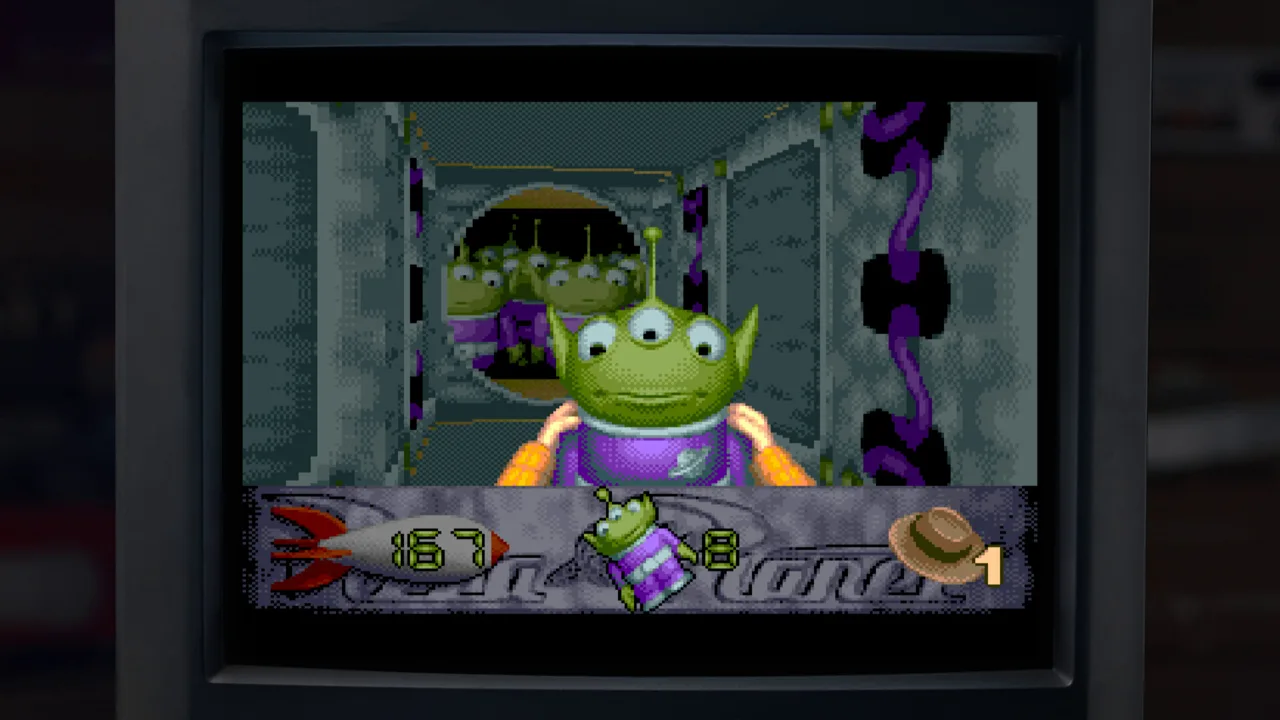 Image: Steam / Digital Eclipse
Toy Story 2: Buzz Lightyear to the Rescue! on PlayStation is a 15-level adventure. Toy Story 2 on Game Boy Color is an 11-level side-scrolling platformer in which Buzz runs, jumps, and uses his laser. Treat them as separate games to learn.
The collection's lineup includes these versions:
| Game | Included original platforms |
|---|---|
| Toy Story | Sega Genesis, SNES, Game Boy |
| Toy Story 2: Buzz Lightyear to the Rescue! | PlayStation |
| Toy Story 2 | Game Boy Color |
| Buzz Lightyear of Star Command | PlayStation, Game Boy Color |
| Toy Story Racer | PlayStation, Game Boy Color |
| A Bug’s Life | PlayStation, Game Boy Color |
Before using Toy Story: Retro Roundup practice mode, check that you're working on the adventure you actually want to revisit. Familiar artwork or a shared movie title doesn't make two versions interchangeable.
Rehearsing Side-Scrolling Movement
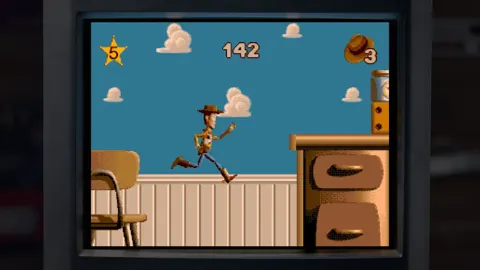
For a side-scrolling section, watch the spacing between platforms and the movement immediately before a jump. Keep your attention on the character's position relative to the next obstacle.
In the Game Boy Color version of Toy Story 2, use the instructions to understand Buzz's running, jumping, and laser actions. Practice those actions individually before trying to combine them under pressure.
Rehearsing Movement in 3D
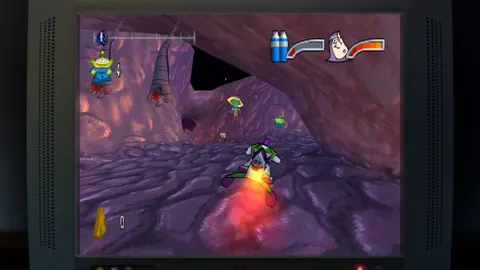
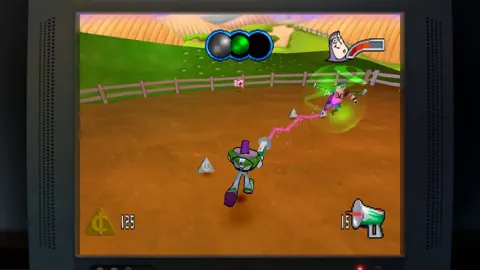
The older 3D adventures bring camera angles into the challenge. Watch how the demonstrated route moves through the environment, including where the character goes when the view becomes awkward.
- Identify the destination before moving toward it.
- Follow the approach shown in the demonstration.
- Pay attention to changes in the camera's view.
- Rehearse the stretch until the route becomes familiar.
Use visible scenery as a reference when remembering the route. Learning where to go gives you more attention to spend on controlling Buzz or navigating the next obstacle.
Use Assists to Focus Your Rehearsal
Toy Story: Retro Roundup practice mode sits alongside Rex’s Cheat Codes, enhanced instructions, and Rewind. Choose an assist around the obstacle you're working on.
Rex’s Cheat Codes include options such as unlimited lives, invincibility, and character or level unlocks in applicable games. These are game-specific enhancements, so work with the options offered by the title you're playing.
| Tool or assist | Supported function |
|---|---|
| Enhanced How to Play instructions | Teaches the game's controls and play basics |
| Practice Mode | Lets you watch prepared runs and take over |
| Rewind | Lets you move back before an error |
| Unlimited lives | Provides unlimited lives in applicable games |
| Invincibility | Provides invincibility in applicable games |
| Character or level unlocks | Opens characters or levels in applicable games |
Use invincibility, where offered, to concentrate on movement through an enemy-filled area. Keep your attention on the route and the controls rather than trying to solve every challenge simultaneously.
Use a level-unlock option, where offered, to revisit a particular part of a game. Then study its demonstration and work on the section that brought you there.
For returning players, begin with the move you remember struggling with. For a younger player, begin with the controls and a short piece of movement. Both approaches fit the collection's combination of instructions, demonstrations, and assists.
Build a focused session around these actions:
- Read the relevant controls.
- Watch the section you want to learn.
- Take control and attempt it.
- Revisit mistakes with the available learning tools.
- Try the section again in regular play.
Avoid measuring a session only by how far you advance. Successfully landing a troublesome jump or remembering a confusing route is useful progress toward playing through the level.
When you can handle the practiced action, add the next obstacle. Gradually connect those pieces until you're playing a longer stretch with fewer interruptions.
FAQ
How does Toy Story: Retro Roundup practice mode work?
Practice Mode provides prepared level runs that you can watch to learn the action. You can skip to key moments and press a button to take control. Use that sequence to study a troublesome stretch, attempt it yourself, and compare your movement with the demonstration.
What is the difference between Practice Mode and Rewind?
Practice Mode gives you a prepared example to watch and take over. Rewind moves gameplay backward before a mistake so you can retry it. Watch the demonstration when you need to understand the route, then use Rewind during gameplay to work on your execution.
Does the collection include instructions for learning the games?
Yes. Enhanced How to Play instructions accompany the collection's learning features. Read them before rehearsing so you understand the controls you're trying to use. This is especially helpful when switching between console and handheld games with different play styles.
Are Rex’s Cheat Codes part of Practice Mode?
Rex’s Cheat Codes are a separate collection feature offering game-specific enhancements. Options include unlimited lives, invincibility, and character or level unlocks in applicable games. Use the available assists to focus on a particular challenge, then return to practicing the movement or route you want to learn.
Continue with
 Toy Story: Retro Roundup Rewind: Retry Every MistakeToy Story: Retro Roundup rewind lets you retry missed jumps and costly hits. Learn how Practice Mode and Rex’s Cheat Codes help you revisit classic games.
More in Features
See all FeaturesPopular pages
Toy Story: Retro Roundup Beginner Guide: Start Strong
Use this Toy Story: Retro Roundup beginner guide to choose your starting game, learn Rewind, manage Rex's cheats, and tackle classic Pixar adventures.
Toy Story: Retro Roundup Release Date & Buying Guide
Toy Story: Retro Roundup release date is October 15, 2026. Explore platforms, included games, costs, and the Toy Story 3 bundle before choosing an edition.
Toy Story: Retro Roundup A Bug's Life Player Guide
Toy Story: Retro Roundup A Bug's Life guide: compare PS1 and Game Boy Color versions, learn key mechanics, and explore cheats, extras, and launch details.
Toy Story: Retro Roundup PC: Steam Setup & Game Guide
Play Toy Story: Retro Roundup PC on Steam. Check Windows requirements, explore all 11 game versions, and learn how rewind, cheats, and local racing work.
Join the community
Official channels for news, updates and player help: