
Toy Story: Retro Roundup Multiplayer: How It Works
Explore Toy Story: Retro Roundup multiplayer, including local PvP, Steam Remote Play Together, controller support, and what to know about the Double Pack.
Jump to
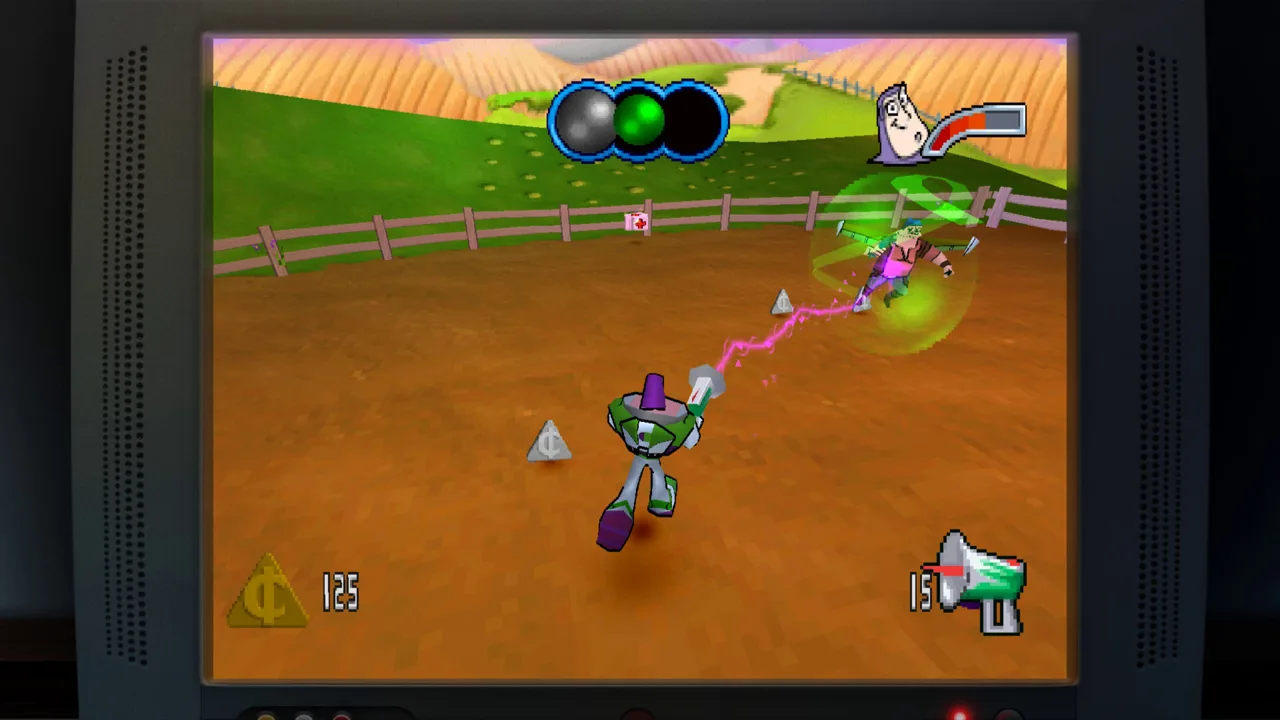
How Toy Story: Retro Roundup Multiplayer Works
Bring a friend back to Andy’s room: Toy Story: Retro Roundup multiplayer includes shared/split-screen PvP and Steam Remote Play Together on PC. That matters when you’re choosing between playing together on the couch and connecting from separate homes. Start your Toy Story: Retro Roundup multiplayer session by choosing your platform, separating the standalone collection from the Double Pack, and matching your plans to the included game you want to play.
The collection brings together adventures from 1995 through 2001, with 11 versions spanning console and handheld releases. Multiplayer sits alongside single-player adventures, updated learning tools, and a museum celebrating the games’ development.
Here are the multiplayer features to understand before gathering everyone around the screen:
| Feature | Platform or product | What it means for your session |
|---|---|---|
| Shared/split-screen PvP | Standalone collection on Steam | Competitive multiplayer using a shared or divided display |
| Remote Play Together | Standalone collection on Steam | A way to share supported local play remotely |
| Local multiplayer (2-2) | Xbox Double Pack | Local multiplayer within the bundled package |
| Local co-op (2-2) | Xbox Double Pack | Cooperative play within the bundled package |
| Single-system play (1-2) | Nintendo Switch 2 Double Pack | Play on the same system with a compatible controller per player |
Work through these choices in order:
- Choose your platform. On Steam, you have both shared/split-screen PvP and Remote Play Together.
- Choose your product. Retro Roundup and the Double Pack contain different sets of games.
- Match the session to the individual game and version. The collection includes multiple versions of several titles.
Keep the distinction between competition and cooperation in mind. PvP means playing against another player. Co-op means working together. Shared/split-screen describes how the screen is used; it does not, by itself, describe your objective.
That distinction makes Toy Story: Retro Roundup multiplayer easier to plan around, especially when everyone arrives expecting a particular kind of game night.
Choose the Collection and Game Version
Start with the product name. Toy Story: Retro Roundup! is the retro compilation. Toy Story: Retro Roundup! + Toy Story 3 Complete Edition Double Pack includes that compilation and a separate modernized adventure.
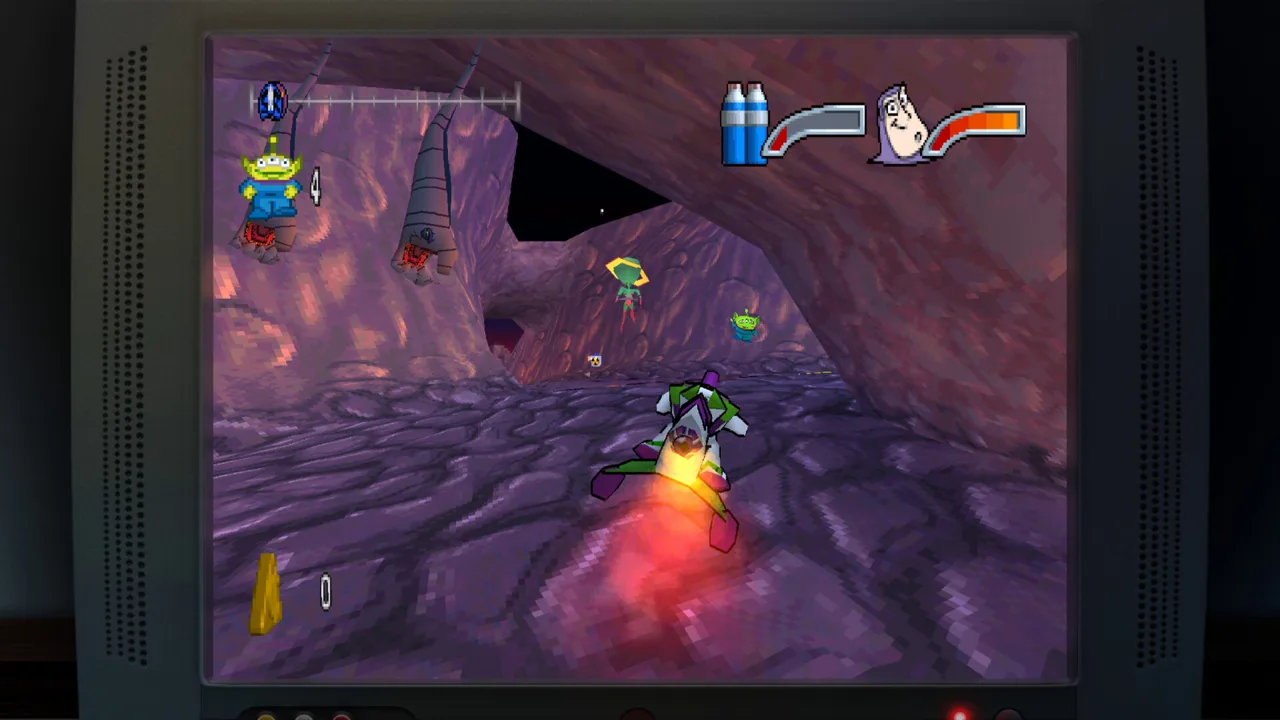 Image: Steam / Digital Eclipse
Toy Story 3 Complete Edition has its own Story Mode and Toy Box Mode. Story Mode revisits moments from the 2010 movie, while Toy Box Mode takes you into Woody’s Roundup, a western sandbox with town customization.
Those modes belong to Toy Story 3 Complete Edition. Keep that game separate from the older adventures when deciding what you want to play.
| Product | Included content | Modes and features to distinguish |
|---|---|---|
| Toy Story: Retro Roundup! | Classic Toy Story games and A Bug’s Life, spanning 11 console and handheld versions | Retro adventures, collection enhancements, and multiplayer features on Steam |
| Toy Story 3 Complete Edition | The updated 3D adventure based on Toy Story 3 | Story Mode and Toy Box Mode |
| Double Pack | Retro Roundup and Toy Story 3 Complete Edition | Both products together; Xbox supports local co-op (2-2) and local multiplayer (2-2) within the package |
Next, choose the actual version you want to revisit. A familiar title can appear more than once because the collection includes releases from different systems.
| Game | Included original systems |
|---|---|
| Toy Story (1995) | Sega Genesis, SNES, Game Boy |
| Toy Story 2: Buzz Lightyear to the Rescue! (1999) | PlayStation 1 |
| Toy Story 2 (1999) | Game Boy Color |
| Buzz Lightyear of Star Command (2000) | PlayStation 1, Game Boy Color |
| Toy Story Racer (2001) | PlayStation 1, Game Boy Color |
| A Bug’s Life (1998) | PlayStation 1, Game Boy Color |
Use this sequence when choosing:
- Name the game you want to revisit.
- Match it to the original system you remember.
- Choose your session around that version’s available play options.
The version distinction also helps when introducing these games to someone new. “Toy Story 2” can mean the PlayStation adventure with Buzz or the Game Boy Color release. Naming the system keeps everyone talking about the same game.
For Toy Story: Retro Roundup multiplayer, make the game-and-version choice part of your setup. The 11-version collection gives you plenty to explore, but each selection deserves its own look before you settle into a session.
Prepare Controllers and Choose Local or Remote Play
With the product and game selected, sort out how everyone will participate. Steam’s standalone collection supports controllers fully and recommends using a gamepad. The Nintendo Switch 2 Double Pack requires a compatible controller for each multiplayer participant.
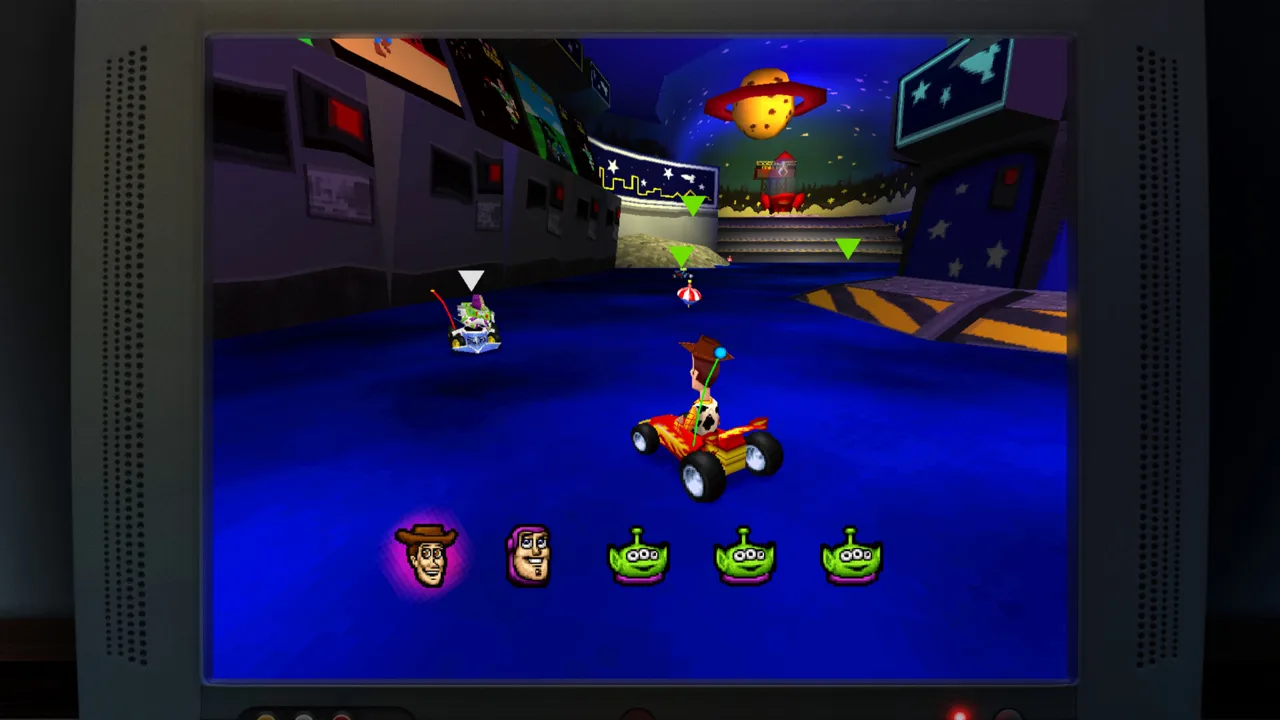 Image: Steam / Digital Eclipse
For couch play, prepare the controllers before handing over the screen. On Nintendo Switch 2, the Double Pack also supports handheld, tabletop, and TV modes. Choose the display arrangement that suits how you are gathering around the system.
Follow these preparation steps:
- Set out the controllers for your local session. On Nintendo Switch 2, give each player a compatible controller.
- Use a gamepad on Steam. Full controller support makes that an option throughout the collection.
- Choose shared/split-screen play for local competition on Steam.
- Use Remote Play Together when sharing supported local play with a friend remotely.
Remote Play Together gives Toy Story: Retro Roundup multiplayer a useful option when your friend is elsewhere. Keep the session centered on the supported local game mode you want to share.
Once you start, keep the roles clear. If you have chosen PvP, you are competing with each other. If you are playing a cooperative mode within the Xbox Double Pack, your shared objective changes the conversation.
For a mixed-experience group, leave room to learn the controls before getting competitive. The collection includes enhanced How to Play instructions and Practice Mode, so you can work through the basics before focusing on the challenge.
You can get Toy Story: Retro Roundup! on Steam for the PC collection with shared/split-screen PvP, Remote Play Together, and full controller support.
Learn the Controls and Adjust the Challenge
Old games can make familiar characters feel surprisingly demanding. A missed jump across Andy’s shelves or repeated hits from an enemy can interrupt the flow, particularly when you are introducing someone to these adventures.
 Image: Steam / Digital Eclipse
Retro Roundup adds learning and assistance features to help you work through those moments. Use each tool for the problem it addresses.
| Tool | Function | How to use it during play |
|---|---|---|
| Enhanced How to Play instructions | Expanded guidance for learning the game | Read the instructions when switching to an unfamiliar title |
| Practice Mode | A place to develop your skills | Practice before concentrating on a difficult challenge |
| Rewind | Moves gameplay back before a mistake | Revisit a missed jump or a damaging encounter |
| Rex’s Cheat Codes | Game-specific enhancements, including unlimited lives, invincibility, or unlocking characters or levels | Choose the enhancement that matches your goal |
Start with the instructions, even if you remember playing one of these games years ago. The collection covers several original systems, and recognizing a character does not automatically mean remembering the controls for that version.
Then work through the challenge in this order:
- Read How to Play for your selected game.
- Use Practice Mode to develop the relevant skills.
- Use Rewind to revisit a mistake during an adventure.
- Choose an applicable Rex’s Cheat Codes enhancement when you want its specific effect.
Rewind is especially useful for examining a failed attempt. When you miss a jump, go back and reconsider your timing. When you take damage, revisit the encounter and adjust how you approach it.
Rex’s Cheat Codes offers a different kind of help. Its game-specific enhancements include unlimited lives and invincibility, along with options to unlock characters or levels. Choose the effect you actually want: continuing an adventure, exploring its content, or spending less time repeating a difficult section.
For Toy Story: Retro Roundup multiplayer nights that also include solo adventures, these tools give the group something practical to use between competitive sessions. Take turns tackling an adventure, talk through a difficult section, or practice before passing the controller.
Keep those activities distinct from simultaneous multiplayer. Taking turns can still make the collection a shared evening, while the supported competitive and cooperative modes give players their own roles.
Round Out Your Session With the Collection Extras
Toy Story: Retro Roundup multiplayer is one part of a collection built around revisiting these games. After playing, you can explore a virtual museum containing design documents, development photographs, and other archival material.
The behind-the-scenes experience also includes interviews with people involved in bringing these worlds and games to life. It gives you another way to spend time with the collection when you are ready to put the controllers down.
Use the extras to shape the rest of your session:
- Visit the museum after playing a game. Look through its development material while the adventure is still fresh in your mind.
- Explore the interviews. Spend time with the people behind the characters and games.
- Open the Music Player. Listen to the included games’ complete soundtracks.
- Choose another original version to explore. Use the system names to keep your next selection clear.
The extras also give returning players and newcomers something to discuss together. You can move from playing an older adventure to looking at the work behind it, then finish by listening to its music.
Build your Toy Story: Retro Roundup multiplayer plans around the play features your chosen product supports. Prepare the controllers, choose the game and version, and use the learning tools as you go. The museum and soundtracks give you an easy next stop once the competition winds down.
FAQ
Does Toy Story: Retro Roundup multiplayer support local play?
Yes. The standalone Steam collection supports shared/split-screen PvP. The Xbox Double Pack includes local multiplayer (2-2) and local co-op (2-2) within the package, while the Nintendo Switch 2 Double Pack supports single-system play (1-2).
Can I play with a friend remotely on Steam?
Yes. Toy Story: Retro Roundup! supports Steam Remote Play Together, which lets you share supported local play remotely. It also has full controller support and recommends a gamepad.
Is Toy Story 3 Complete Edition included in Retro Roundup?
Toy Story 3 Complete Edition is a separate game included alongside Retro Roundup in the Double Pack. Its Story Mode revisits movie moments, and its Toy Box Mode features the western sandbox of Woody’s Roundup.
What helps new players learn the older games?
Use the enhanced How to Play instructions and Practice Mode to learn. During adventures, Rewind lets you revisit mistakes, while Rex’s Cheat Codes provides game-specific enhancements such as unlimited lives, invincibility, or unlocking characters and levels.
Continue with
 Toy Story: Retro Roundup Practice Mode WalkthroughToy Story: Retro Roundup practice mode lets you watch level runs and take control. Learn how to rehearse tricky sections and use Rewind for another try.
More in Features
See all FeaturesPopular pages
Toy Story: Retro Roundup Beginner Guide: Start Strong
Use this Toy Story: Retro Roundup beginner guide to choose your starting game, learn Rewind, manage Rex's cheats, and tackle classic Pixar adventures.

Toy Story: Retro Roundup Release Date & Buying Guide
Toy Story: Retro Roundup release date is October 15, 2026. Explore platforms, included games, costs, and the Toy Story 3 bundle before choosing an edition.
Toy Story: Retro Roundup A Bug's Life Player Guide
Toy Story: Retro Roundup A Bug's Life guide: compare PS1 and Game Boy Color versions, learn key mechanics, and explore cheats, extras, and launch details.
Toy Story: Retro Roundup PC: Steam Setup & Game Guide
Play Toy Story: Retro Roundup PC on Steam. Check Windows requirements, explore all 11 game versions, and learn how rewind, cheats, and local racing work.
Join the community
Official channels for news, updates and player help: