
Toy Story: Retro Roundup PS5 Guide: Games and Prices
Toy Story: Retro Roundup PS5 brings 11 classic game versions to PlayStation. Explore the lineup, rewind features, prices, and Toy Story 3 bundle options.
Jump to
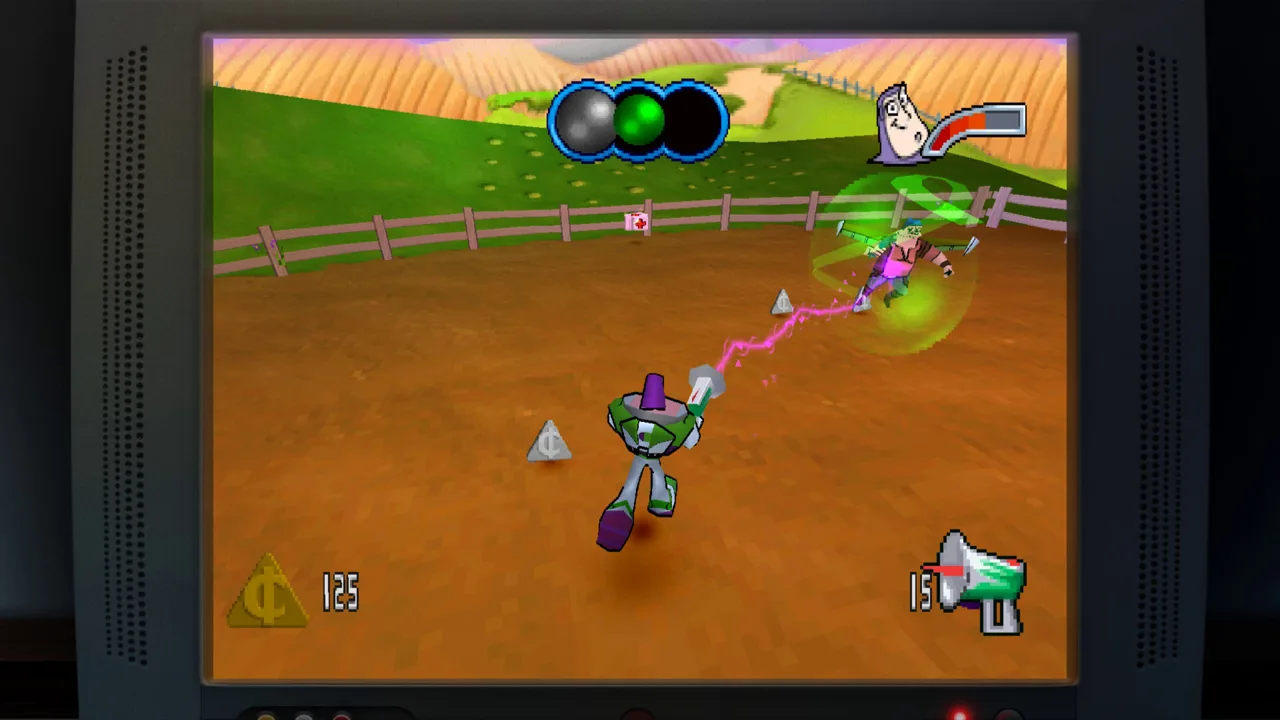
Toy Story: Retro Roundup PS5: Start Here
Andy’s room is open again: Toy Story: Retro Roundup PS5 launched on October 15, 2026, bringing classic platforming, racing, and handheld adventures to PlayStation. Rewind, practice tools, and optional cheats make those older challenges easier to revisit or share with younger players. This Toy Story: Retro Roundup PS5 guide walks you through choosing your edition, exploring the included games, and using the collection’s features.
The collection comes from Digital Eclipse, with Atari publishing the PlayStation release. Its appeal extends beyond familiar characters: you can compare how the same movie became different games on Super Nintendo, Sega Genesis, PlayStation, and Game Boy hardware.
Start with these purchase details:
| Feature | PS5 details |
|---|---|
| Release date | October 15, 2026 |
| Standalone digital price | $29.99 in the United States |
| PlayStation platforms | PS4 and PS5 |
| Offline play | Supported |
| Player count | 1–2 players across the collection |
| ESRB rating | Everyone 10+, with Fantasy Violence |
The collection supports two players, but that does not turn every included adventure into a cooperative game. Keep the individual game’s format in mind when choosing something to play together.
Choose the collection or Double Pack
Toy Story: Retro Roundup! and Toy Story 3 Complete Edition are separate releases. Buying the standalone retro collection gets you the older console and handheld games; the Double Pack adds the later 3D adventure.
| Purchase | Included content | U.S. price |
|---|---|---|
| Toy Story: Retro Roundup! standalone digital edition | Classic collection with 11 game versions and archival extras | $29.99 |
| Retro Roundup! + Toy Story 3 Complete Edition Double Pack | Retro collection plus Toy Story 3 Complete Edition | $39.99 |
The Double Pack also has a physical PS5 edition. Toy Story 3 Complete Edition includes Story Mode and Toy Box Mode, where Woody’s Roundup becomes a town you can customize while taking on missions. Woody, Buzz Lightyear, and Jessie feature in the adventure, and Toy Box Mode also lets you play as Evil Emperor Zurg.
- Choose Retro Roundup! for the games originally released between 1995 and 2001.
- Choose the Double Pack to add Toy Story 3 Complete Edition and its Toy Box activities.
- Select the PlayStation 5 option when purchasing the physical package.
You can buy Toy Story: Retro Roundup! on PlayStation Store.
Begin With Toy Story’s Console and Handheld Adventures
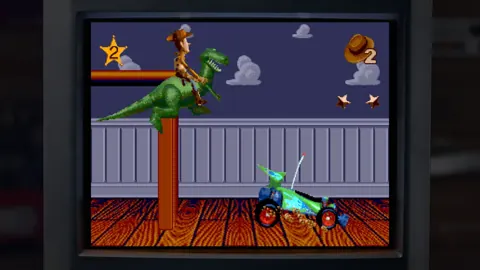
The original Toy Story is a useful starting point for exploring the collection. Its Sega Genesis and Super Nintendo editions combine side-scrolling action with sequences built around specific movie moments, while the Game Boy version offers a handheld interpretation.
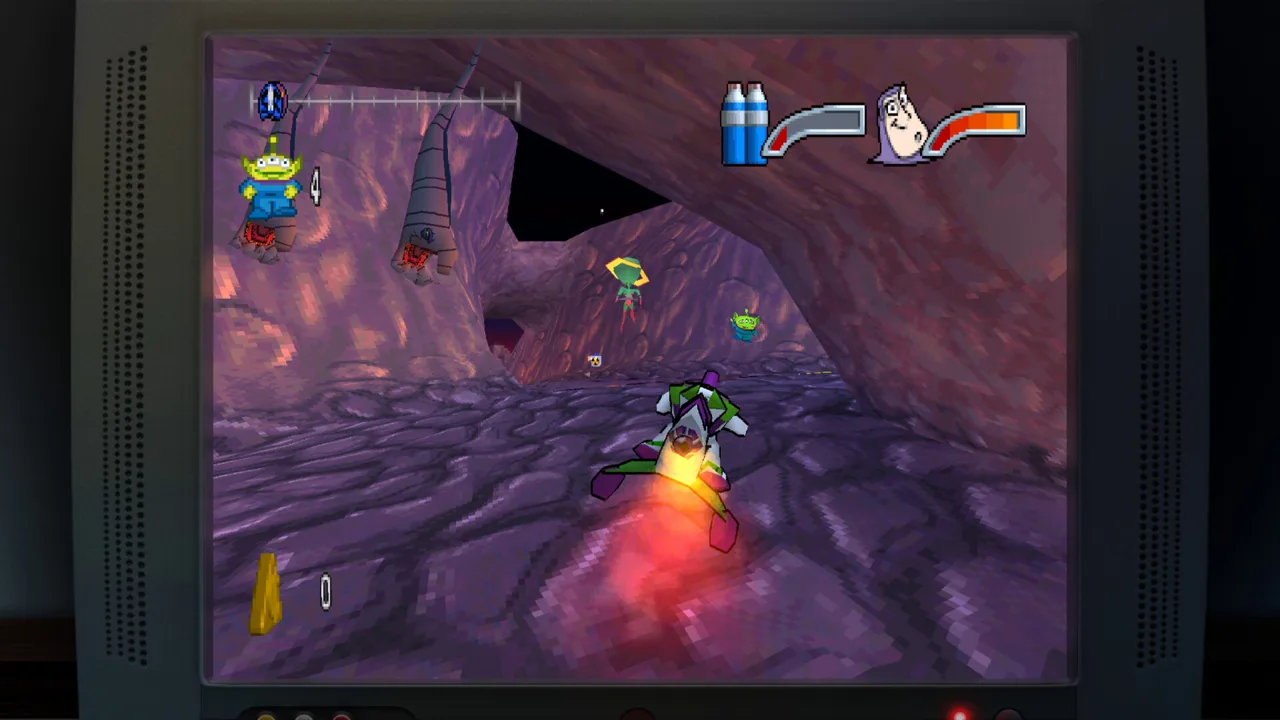 Image: Steam / Digital Eclipse
You play as Woody through challenges involving Andy’s toys, RC, and the claw machine’s aliens. The variety matters: familiarity with the opening platforming does not mean every later sequence follows the same rules.
Before moving through Toy Story: Retro Roundup PS5, get familiar with its full lineup:
| Game or game family | Included original platforms | Versions |
|---|---|---|
| Toy Story | Sega Genesis, SNES, Game Boy | 3 |
| Toy Story 2: Buzz Lightyear to the Rescue! / Toy Story 2 | PlayStation, Game Boy Color | 2 |
| Buzz Lightyear of Star Command | PlayStation, Game Boy Color | 2 |
| Toy Story Racer | PlayStation, Game Boy Color | 2 |
| A Bug’s Life | PlayStation, Game Boy Color | 2 |
That adds up to 11 versions. The collection groups them as five classic games, with the PlayStation and Game Boy Color Toy Story 2 releases carrying different names.
Work through the original game’s changing challenges
- Read the enhanced How to Play instructions. Use them to get oriented before tackling the older controls and objectives.
- Begin with Woody’s opening task. The early sequence involves bringing an object down for the toy soldiers investigating Andy’s birthday presents.
- Adjust when the gameplay changes. RC’s driving sequence and the first-person claw-machine section ask for different skills than the side-scrolling stages.
- Use Rewind after a mistake. Return to the approach before a missed jump or damaging hit and try again.
Compare the Genesis and SNES editions after playing a familiar section. Their presentation is similar, but differences in sound give each version its own character. Then try the Game Boy release to see how the adventure changes on much smaller hardware.
Keep the optional assistance focused on whatever is interrupting your progress. Rewinding a single jump lets you repeat that obstacle immediately; unlimited lives serves a different purpose when you want more room to explore the game.
Move Into Toy Story 2’s 3D Rescue Mission
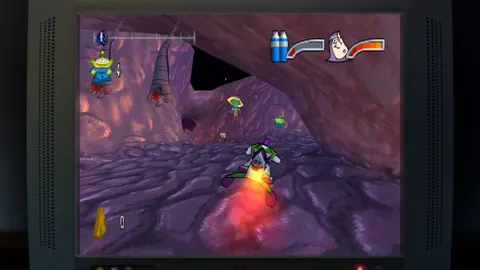
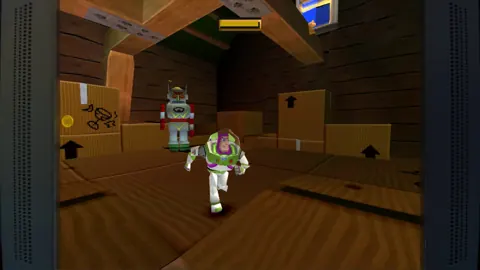
Toy Story 2: Buzz Lightyear to the Rescue! shifts the action into 3D. Woody has been taken by Al, and Buzz heads out to bring him back through locations inspired by the second movie.
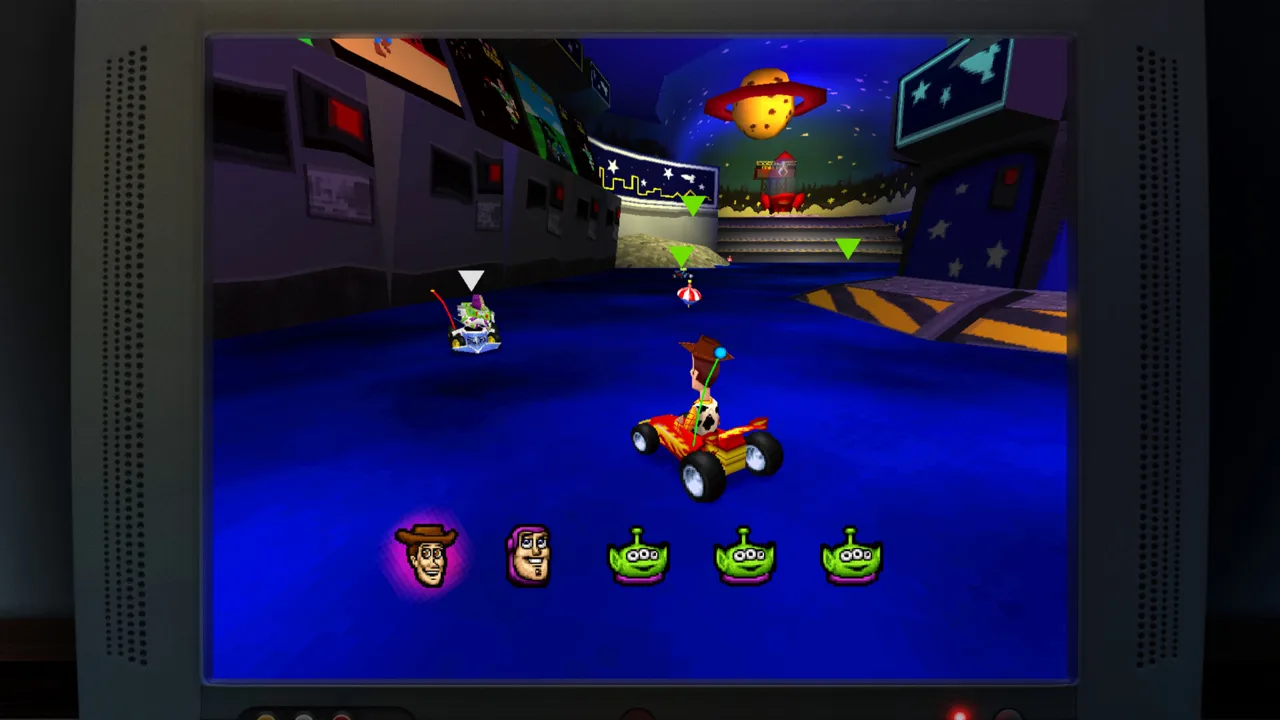 Image: Steam / Digital Eclipse
This is a substantial change from the original game’s side-view action. You navigate more open environments, explore your surroundings, and face boss encounters along the way. Moving between these releases gives Toy Story: Retro Roundup PS5 a clear sense of how licensed games evolved across hardware generations.
The Game Boy Color title, Toy Story 2, provides a separate handheld take on that rescue adventure. Give it its own session instead of expecting the PlayStation game’s spaces and movement to transfer directly.
Get comfortable before pushing ahead
- Start with the PlayStation version’s instructions. Familiarize yourself with the move into 3D before exploring the larger locations.
- Use Practice Mode to work on the gameplay. Spend time learning before returning to a troublesome section.
- Rewind to before an awkward landing. Repeat the approach and adjust your movement.
- Try the Game Boy Color version separately. Compare how its handheld design handles the movie’s characters and situations.
The collection’s assistance tools give you several ways to handle difficulty:
| Feature | What it does |
|---|---|
| Rewind | Moves gameplay backward so you can retry a mistake |
| Rex’s Cheat Codes | Provides game-specific options such as unlimited lives, invincibility, or character and level unlocks |
| Enhanced How to Play | Explains how to play the included games |
| Practice Mode | Provides a way to hone your skills |
Rex’s Cheat Codes includes game-specific enhancements, so select the option that matches what you want to do. Use invincibility to explore without damage interrupting you, or use an available character or level unlock to access that content.
These tools also make it easier to revisit a game you remember only in pieces. You can spend your time learning its movement and revisiting its environments rather than repeatedly getting stopped by the same obstacle.
Continue With Star Command and Toy Story Racer
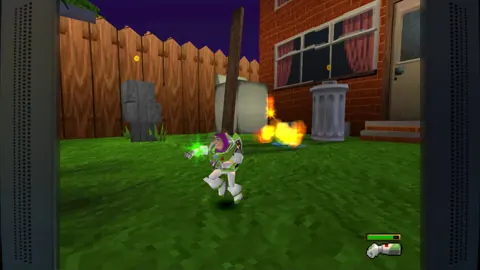
Buzz Lightyear of Star Command takes its setting from Buzz’s animated space adventures. Its PlayStation and Game Boy Color versions approach that action differently: the console release uses 3D environments, while the handheld game features upward-moving action and enemies to fight along the route.
 Image: Steam / Digital Eclipse
Toy Story Racer changes direction again, putting familiar characters into races across themed circuits. Both PlayStation and Game Boy Color versions are included.
This stretch of Toy Story: Retro Roundup PS5 offers a chance to compare more than graphics. Movement, perspective, and the shape of each challenge change with the original hardware.
Play the action games, then switch to racing
- Begin Star Command on PlayStation. Learn its action controls and get comfortable moving through the 3D spaces.
- Switch to the Game Boy Color release. Adjust to the upward-scrolling perspective and its different approach to combat.
- Open Toy Story Racer and choose a character. Move from action stages into its circuit-based racing.
- Compare the handheld racer. Its forward-facing track presentation gives it a different feel from the PlayStation version.
The Game Boy Color racer does not use the overhead view you might expect from a handheld racing game of that era. Its track presentation emphasizes following the course ahead, giving you another example of developers adapting a familiar concept to limited hardware.
Watch for the small Toy Story touches, too. The starting positions presented on an Etch-A-Sketch tie the racing back to the toys themselves.
For a shared session, check the selected game’s player options before settling in. The collection’s overall 1–2 player support sits alongside adventures designed around a single playable character.
Finish With A Bug’s Life and the Museum Extras
A Bug’s Life rounds out the collection with another Pixar adventure. Its PlayStation release is a third-person platform game, while the Game Boy Color version translates the setting into side-scrolling action.
The shift between them is especially useful after exploring the Toy Story games. You have already moved between 2D platforming, 3D exploration, space action, and racing; here, you can compare two more interpretations of the same film.
Explore both versions, then open the archive
- Begin with the PlayStation adventure. Give yourself time to adjust to its older camera behavior and movement.
- Use Rewind when a mistake interrupts your progress. Retry the section with a different approach.
- Try the Game Boy Color platformer. Compare its side-view design with the console environments.
- Visit the virtual museum and Music Player. Explore the material surrounding the games after playing them.
The archive gives Toy Story: Retro Roundup PS5 something to offer between gameplay sessions. It contains design documents, development photographs, promotional material, and game manuals, alongside new behind-the-scenes interviews.
Those interviews feature Pixar’s Jason Katz, voice actor Jim Hanks, Disney & Pixar Games executive Luigi Priore, and TT Games founder Jon Burton. They cover the creative work behind bringing these characters into games.
The Music Player includes the soundtrack from every game in the collection. Open it after switching between console and handheld editions to revisit the music separately from the action.
For a focused tour, play a game, compare its alternate version, then explore its archival material. That sequence connects the finished adventure with the artwork, documentation, and creative decisions behind it.
FAQ
Is Toy Story: Retro Roundup PS5 available now?
Yes. Toy Story: Retro Roundup! launched for PS5 on October 15, 2026. The standalone digital edition costs $29.99 in the United States and supports offline play.
How many games are included in Retro Roundup?
The collection contains 11 console and handheld versions grouped into five classic games: Toy Story, Toy Story 2, Buzz Lightyear of Star Command, Toy Story Racer, and A Bug’s Life.
Does Retro Roundup include Toy Story 3?
Toy Story 3 Complete Edition is a separate release. The Double Pack combines it with Retro Roundup! and costs $39.99 in the United States. A physical PS5 Double Pack is available.
Can you rewind the games and use cheats?
Yes. Rewind lets you return to an earlier moment and retry mistakes. Rex’s Cheat Codes offers game-specific assistance, including unlimited lives, invincibility, and character or level unlocks. Enhanced instructions and Practice Mode provide additional ways to learn.
Continue with
 Toy Story: Retro Roundup Steam Deck: Settings GuideToy Story: Retro Roundup Steam Deck guide covering Verified status, default settings, controller limitations, cloud saves, and tips for retro Pixar games.
More in Platforms
Toy Story: Retro Roundup PC: Steam Setup & Game Guide
Play Toy Story: Retro Roundup PC on Steam. Check Windows requirements, explore all 11 game versions, and learn how rewind, cheats, and local racing work.
Toy Story: Retro Roundup PS4 vs PS5: Edition Guide
Toy Story: Retro Roundup PS4 vs PS5 explained: compare Double Pack contents, storage requirements, controller support, and classic games before buying.
Toy Story: Retro Roundup PS4: Editions & Play Guide
Toy Story: Retro Roundup PS4 brings classic adventures back. Compare editions, explore all 11 game versions, and learn how to use rewind and Rex's cheats.
Toy Story: Retro Roundup PS5 Upgrade: Buying Guide
Explore Toy Story: Retro Roundup ps5 upgrade options, compare PS4 and PS5 physical editions, and learn what the Double Pack includes before you buy a copy.
Join the community
Official channels for news, updates and player help: